
You’ve embraced smart technology, navigated digital landscapes, and redefined what retirement means. Now, apply that same forward-thinking approach to your television viewing. The traditional cable subscription, with its rigid bundles and escalating costs, no longer serves the modern retiree who values choice, flexibility, and financial savvy. You deserve an entertainment experience that aligns with your contemporary lifestyle, not one dictated by an outdated model. It’s time to cut the cord and discover the expansive, customizable world of streaming TV.
Eliminating bulky cable hardware is often a key step when downsizing your home for retirement to create a more streamlined living space.
Many individuals have already transitioned, finding liberation in personalized content selection and significant savings. This guide empowers you to make that shift confidently, navigating the best streaming TV options available today. We provide practical insights and actionable recommendations to help you design your ideal entertainment package, putting you in control of what you watch and how much you spend.
Redefining Your TV Experience: Why Cut the Cord?
The decision to cut the cord goes beyond saving money. It represents an intentional move towards greater autonomy over your entertainment choices. For years, cable companies dictated your options, bundling channels you never watched into expensive packages. Streaming changes this dynamic entirely, placing the power back into your hands.
Simplifying your home media is an excellent way to begin designing a retirement routine that focuses on what truly brings you joy.
Consider the compelling benefits awaiting you:
- Significant Cost Savings: The average cable bill consistently hovers around $80-$100 per month, often much higher with premium channels and fees. Many cord-cutters reduce their monthly entertainment expenses to under $50 by carefully selecting streaming services. You directly control what you pay for.
- Unmatched Flexibility and Customization: You select only the services you want, creating a personalized entertainment lineup. No more paying for hundreds of channels to access a handful of favorites. Change your mind? Most streaming services offer monthly subscriptions, allowing you to subscribe and unsubscribe as your preferences evolve.
- Access to a Vast Library of Content: Streaming platforms offer an unparalleled breadth of movies, TV series, documentaries, and original programming. You gain access to content that was previously difficult to find or unavailable through traditional cable. This includes niche interests, international films, and critically acclaimed series.
- Convenience and On-Demand Viewing: Watch what you want, when you want it, on virtually any device. Pause a show in your living room and pick it up on your tablet in the kitchen. No more rigid schedules or frantic DVR management. Your shows are ready when you are.
- Embrace Modern Technology: You already engage with technology in other aspects of your life. Extending this to your TV viewing simplifies your setup and opens doors to new forms of interactive entertainment. This keeps your home connected and current.
You have the opportunity to transform your entertainment budget into something tailored, efficient, and thoroughly modern. This transition empowers you to curate a viewing experience that truly reflects your interests and values.
The Essentials of Cord Cutting: What You Need to Get Started
Transitioning from cable to streaming requires a few key components. You likely own most of these already. A solid foundation ensures a smooth and enjoyable streaming experience.
As you modernize your tech setup, you might also consider integrating other aging in place gadgets to enhance your home’s safety and connectivity.
1. Reliable High-Speed Internet
This is the cornerstone of your streaming setup. Streaming video demands consistent bandwidth. You need an internet plan capable of handling multiple devices streaming simultaneously, especially if others in your household also stream. For high-definition (HD) streaming, a minimum speed of 25-50 Mbps is generally recommended. If you plan to stream in 4K Ultra HD, aim for 50 Mbps or higher. Contact your internet service provider to confirm your current speed and discuss upgrades if necessary.
2. A Streaming Device
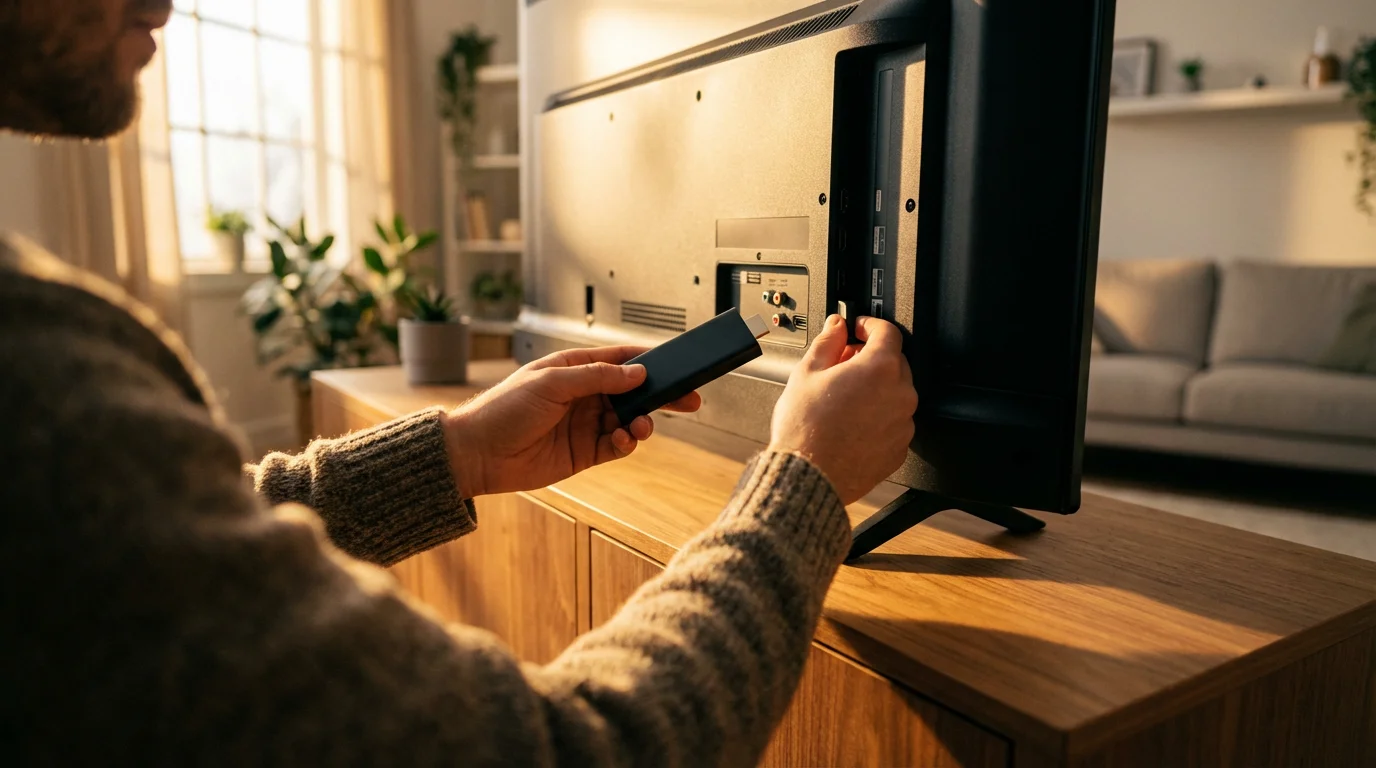
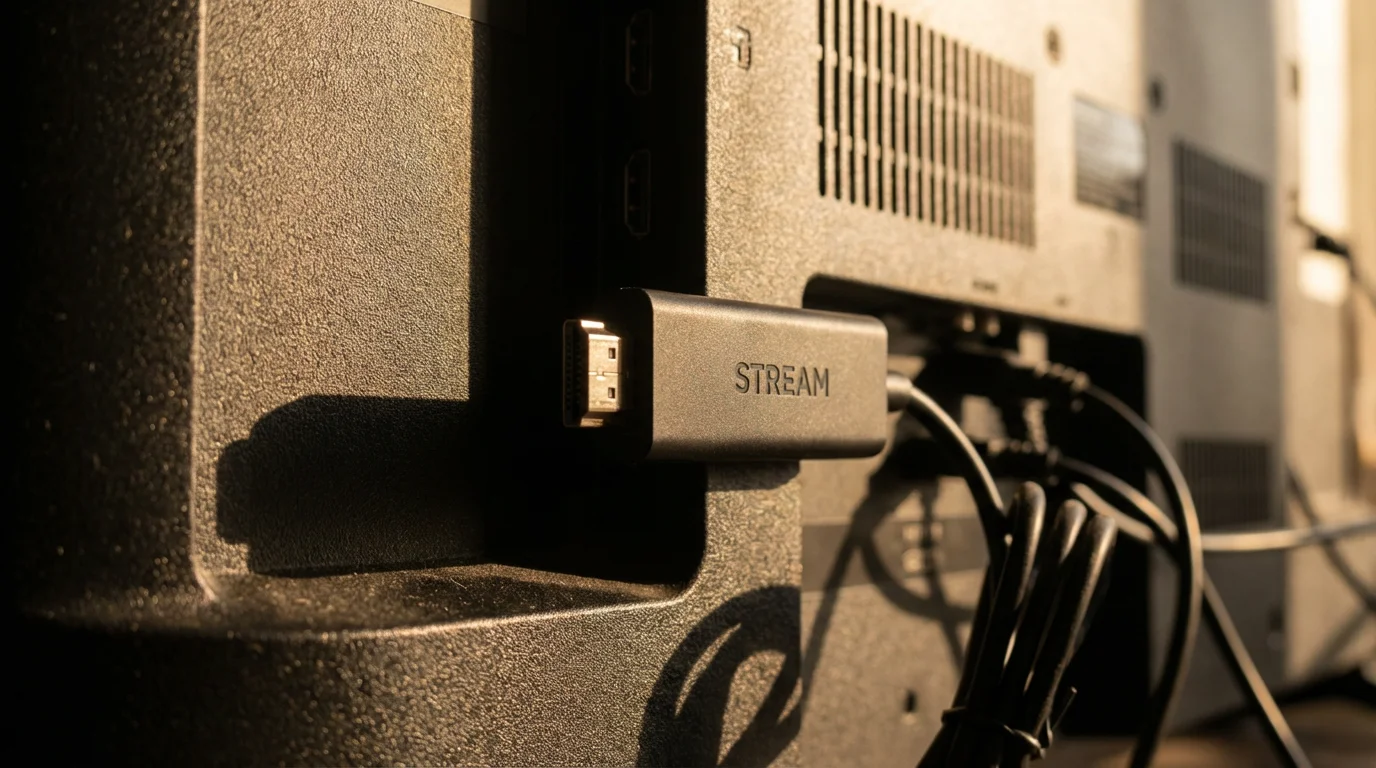
Most modern televisions are “smart TVs” with built-in streaming apps. If your TV is older, or if you prefer a more robust interface, a dedicated streaming device offers excellent performance and user-friendly navigation. These small, affordable devices connect to your TV via an HDMI port.
- Roku Devices (e.g., Roku Streaming Stick, Roku Express, Roku Ultra): Roku offers a wide range of devices at various price points. They are known for their simple interface, extensive channel selection, and ease of use. Many consider Roku one of the most accessible platforms for new cord-cutters.
- Amazon Fire TV Devices (e.g., Fire TV Stick, Fire TV Cube): Fire TV devices integrate seamlessly with Amazon’s ecosystem and often feature Alexa voice control. They offer a comprehensive app store and strong performance, particularly for Amazon Prime members.
- Apple TV (e.g., Apple TV 4K): For users deeply integrated into the Apple ecosystem, Apple TV provides a premium experience. It offers excellent video quality, a sleek interface, and robust integration with Apple services and devices. This option often comes at a higher price point.
- Google Chromecast with Google TV: Chromecast devices offer a clean interface and excellent integration with Google services. You can “cast” content from your phone or tablet directly to your TV. The Google TV interface provides a more traditional remote-controlled experience.
When selecting a device, consider its ease of use, app availability, and whether it supports the video quality you desire (HD or 4K). You can find comprehensive reviews and comparisons on sites like CNET, which regularly update their recommendations for the best streaming devices.
3. An HDTV Antenna (Optional, but Recommended for Local Channels)
Many major networks like ABC, CBS, Fox, and NBC broadcast over the air for free. A one-time purchase of an inexpensive indoor or outdoor HDTV antenna can pick up these channels in high definition. This eliminates the need for a live TV streaming service solely for local news and sports, further reducing your monthly costs. Check antennaweb.org or a similar tool to see what channels are available in your area and what type of antenna you might need.

Unbundling Entertainment: Understanding Streaming Service Categories
The streaming landscape appears vast at first glance, but it breaks down into clear categories. Understanding these helps you build your ideal entertainment package, ensuring you cover all your viewing preferences without unnecessary overlap.
The portability of these apps makes them a favorite for those exploring location independent living in retirement, allowing you to take your library anywhere.
1. On-Demand Streaming Services
These services provide a vast library of movies, TV series, and documentaries available for you to watch anytime, anywhere. You select content from their catalog and stream it immediately. This is the most common type of streaming service.
- Key Characteristics: Large libraries, original content, no fixed schedules, monthly subscription fees.
- Examples: Netflix, Max, Disney+, Hulu, Amazon Prime Video.
2. Live TV Streaming Services (Cable Alternatives)
If you crave the experience of watching live television—news, sports, or current shows as they air—these services are your direct replacement for traditional cable. They offer a bundle of channels streamed over the internet, often including cloud DVR capabilities.
- Key Characteristics: Live channels, often includes local affiliates, cloud DVR, multiple profiles, higher monthly fees than on-demand services.
- Examples: YouTube TV, Hulu + Live TV, Sling TV, FuboTV.
3. Free Ad-Supported Streaming TV (FAST) Services
These platforms offer a wealth of content—both live channels and on-demand movies/shows—completely free. They generate revenue through advertisements, similar to traditional broadcast TV. FAST services are excellent for supplementing your paid subscriptions and discovering new content without additional cost.
- Key Characteristics: Free to watch, ad-supported, diverse content libraries, often includes genre-specific “channels.”
- Examples: Pluto TV, Tubi, Freevee, The Roku Channel.
You can mix and match services from these categories to create a truly personalized and cost-effective entertainment system. For instance, you might subscribe to one on-demand service, one live TV service, and leverage several free options.

Top Streaming Services for On-Demand Content
On-demand services form the core of most streaming setups. They offer unparalleled access to movies and TV shows at your convenience. Here are some of the most popular and comprehensive options available today.
With so many digital subscriptions to manage, it’s also helpful to practice digital decluttering to keep your online accounts organized and secure.
Netflix
Netflix remains the undisputed leader in on-demand streaming for good reason. Its vast and ever-changing library includes thousands of movies and TV shows, alongside a significant investment in critically acclaimed original content. You find everything from compelling dramas like The Crown to popular thrillers and insightful documentaries.
- Key Features: Extensive library of licensed and original content, personalized recommendations, multiple profiles, download options for offline viewing.
- Best For: Binge-watchers, those who enjoy a wide variety of genres, and viewers seeking high-quality original series and films.
Max (formerly HBO Max)
Max brings together the premium programming of HBO with a wealth of content from Warner Bros., DC, Cartoon Network, and more. This means you access award-winning series like Succession and Game of Thrones, alongside classic movies and new blockbusters shortly after their theatrical release.
- Key Features: HBO’s entire catalog, new Warner Bros. films, DC Universe content, Adult Swim, TCM classics.
- Best For: Viewers who prioritize prestige drama, critically acclaimed series, and a curated selection of top-tier movies.
Disney+
Disney+ offers a treasure trove of content from Disney, Pixar, Marvel, Star Wars, National Geographic, and more. While often perceived as family-friendly, its expansive universe of superhero sagas, epic space adventures, and nature documentaries appeals to all ages. You also gain access to the extensive classic Disney vault.
- Key Features: Exclusive access to Disney, Pixar, Marvel, Star Wars, and National Geographic content. Many original series.
- Best For: Fans of Marvel and Star Wars franchises, families, and those who appreciate high-quality documentaries and classic animation.
Hulu
Hulu excels at providing next-day access to current network TV shows from ABC, Fox, NBC, and FX. Additionally, it offers a robust library of original series, movies, and documentaries. If staying current with network programming without cable is important to you, Hulu is an excellent choice.
- Key Features: Next-day access to many network TV shows, a strong library of Hulu Originals, movies, and documentaries.
- Best For: Viewers who want to keep up with current network television, those interested in diverse original programming, and people considering the Hulu + Live TV bundle.
Amazon Prime Video
Included with an Amazon Prime membership, Prime Video offers thousands of movies and TV shows, including a growing library of acclaimed Amazon Originals like The Marvelous Mrs. Maisel and The Lord of the Rings: The Rings of Power. You can also rent or purchase additional titles. This service offers significant value if you already use Amazon Prime for shipping and other benefits.
- Key Features: Extensive included content library, acclaimed Amazon Originals, ability to rent/buy new releases, often comes with Amazon Prime membership.
- Best For: Existing Amazon Prime subscribers, movie buffs, and those seeking high-budget original series.
Consider a free trial for any service that piques your interest. This allows you to explore the content and user interface before committing to a subscription.
Live TV Streaming: Replacing Your Cable Box
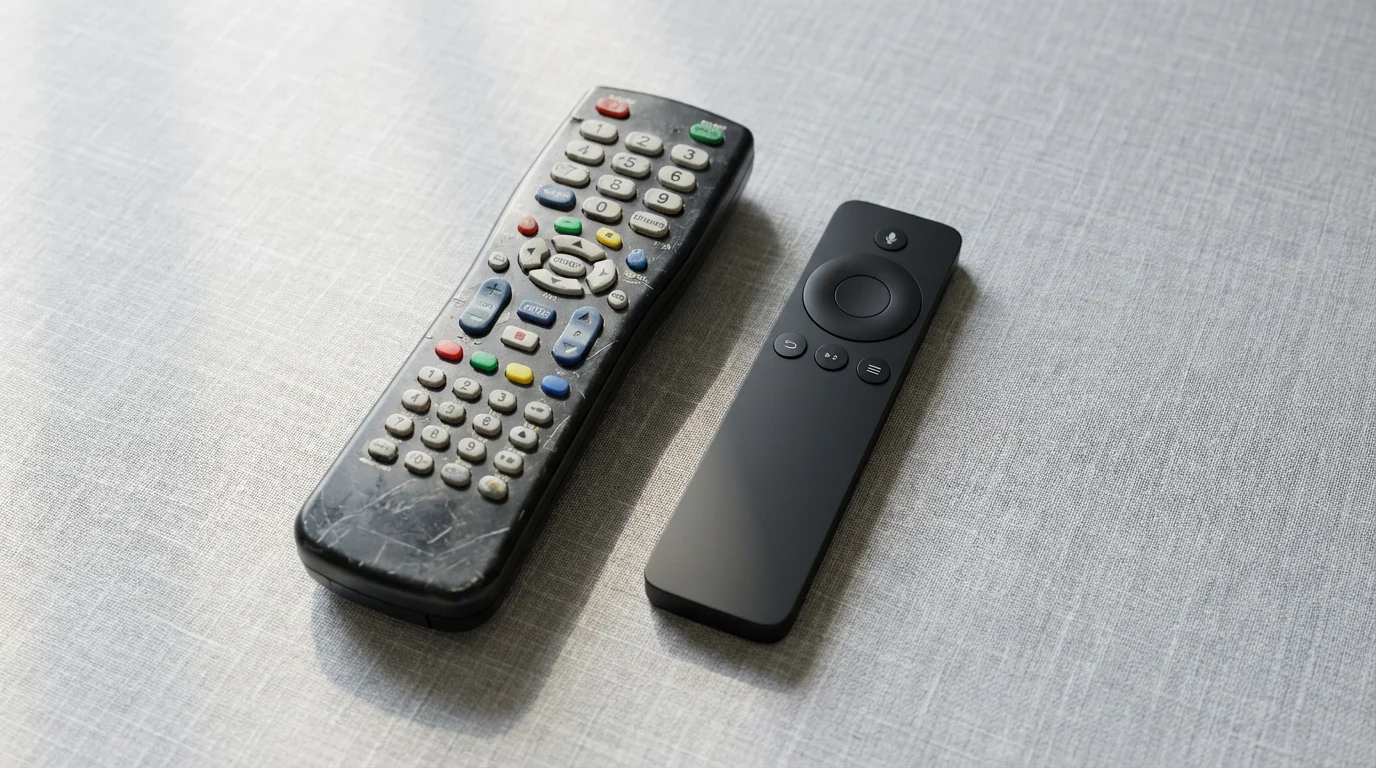
For those who enjoy watching live news, sports, or their favorite shows as they air, live TV streaming services offer a robust alternative to traditional cable. These platforms deliver a bundle of channels over your internet connection, often including familiar networks, regional sports, and cloud DVR features.
YouTube TV
YouTube TV provides a comprehensive channel lineup that closely mimics a traditional cable package. It includes major broadcast networks, popular cable channels for news, entertainment, and sports, along with unlimited cloud DVR storage. This feature allows you to record as many shows as you want and keep them for nine months. Its user interface is intuitive, making it a favorite for many cord-cutters.
- Key Features: Wide channel selection (100+ channels), unlimited cloud DVR, multiple user profiles, three simultaneous streams.
- Best For: Viewers who want a full cable replacement experience with extensive channel options and robust DVR capabilities.
Hulu + Live TV
Hulu + Live TV combines Hulu’s extensive on-demand library with a strong selection of live channels. This hybrid approach gives you the best of both worlds: current network shows, acclaimed originals, and live access to sports, news, and entertainment. The service includes a generous cloud DVR and offers various add-ons for premium channels.
- Key Features: Integrated on-demand and live TV, major broadcast and cable channels, 50 hours of cloud DVR (upgradable), Disney Bundle option (Disney+, ESPN+).
- Best For: Individuals who want both robust on-demand content and a comprehensive live TV experience in one package.
Sling TV
Sling TV offers a more a-la-carte approach to live TV streaming. It provides two base packages, “Sling Orange” (focused on ESPN, Disney channels) and “Sling Blue” (focused on Fox, NBC, NFL Network), which you can combine. You then customize your lineup with smaller, genre-specific add-on packages. This allows for significant cost savings if your channel needs are specific.
- Key Features: Flexible, customizable packages, lower entry price point, various add-on channel bundles, cloud DVR included.
- Best For: Budget-conscious viewers who want specific channels and enjoy customizing their lineup, rather than a large bundle.
FuboTV
FuboTV distinguishes itself with a strong emphasis on sports. It offers a vast number of sports channels, including regional sports networks, along with a good selection of general entertainment, news, and family channels. If you are a dedicated sports fan, particularly for international sports and specific leagues, FuboTV often provides the most comprehensive coverage.
- Key Features: Extensive sports coverage, 4K streaming options for select events, large cloud DVR, multiple simultaneous streams.
- Best For: Avid sports enthusiasts, especially those interested in a wide array of domestic and international sports.
Evaluate channel lineups carefully for each service. Many offer free trials, which are invaluable for testing the interface, channel availability in your area, and overall performance before committing. This ensures your chosen service perfectly matches your viewing preferences.
Harnessing Free Streaming: The Ad-Supported Revolution
You don’t need to pay for every streaming service to enjoy a rich and diverse entertainment library. Free Ad-Supported Streaming TV (FAST) services offer thousands of movies, TV shows, and even live channels at no cost, supported by advertisements. These platforms provide excellent supplemental content, allowing you to discover new favorites and expand your viewing options without impacting your budget.
The beauty of FAST services lies in their simplicity. You download the app, open it, and start watching. No subscriptions, no credit card information required. They operate much like traditional broadcast television, but with a significantly broader range of specialized channels and on-demand titles.
Explore these popular FAST options:
- Pluto TV: Owned by Paramount Global, Pluto TV offers hundreds of “channels” organized by genre, mimicking a traditional TV guide. You find channels dedicated to specific shows (e.g., CSI, Star Trek), movies, news, sports, and niche interests. It also has a large on-demand library.
- Tubi: Tubi, owned by Fox Corporation, boasts an impressive library of movies and TV series, often featuring cult classics, B-movies, and a surprising number of mainstream titles. Its interface is clean, and the content is well-categorized, making discovery simple.
- Freevee: Amazon’s Freevee (formerly IMDb TV) offers a selection of movies and TV shows, including some original content. It benefits from Amazon’s vast catalog, providing a mix of popular films and series, including some you might recognize from premium services.
- The Roku Channel: Available on Roku devices and web browsers, The Roku Channel provides a rotating selection of free movies and TV episodes, along with its own live linear channels. It also aggregates content from other free sources.
By integrating FAST services into your streaming strategy, you dramatically increase your entertainment choices without incurring additional monthly costs. They are perfect for casual viewing, exploring new genres, or simply finding something different to watch when your paid subscriptions feel stale. You gain significant value by leveraging these resources effectively.
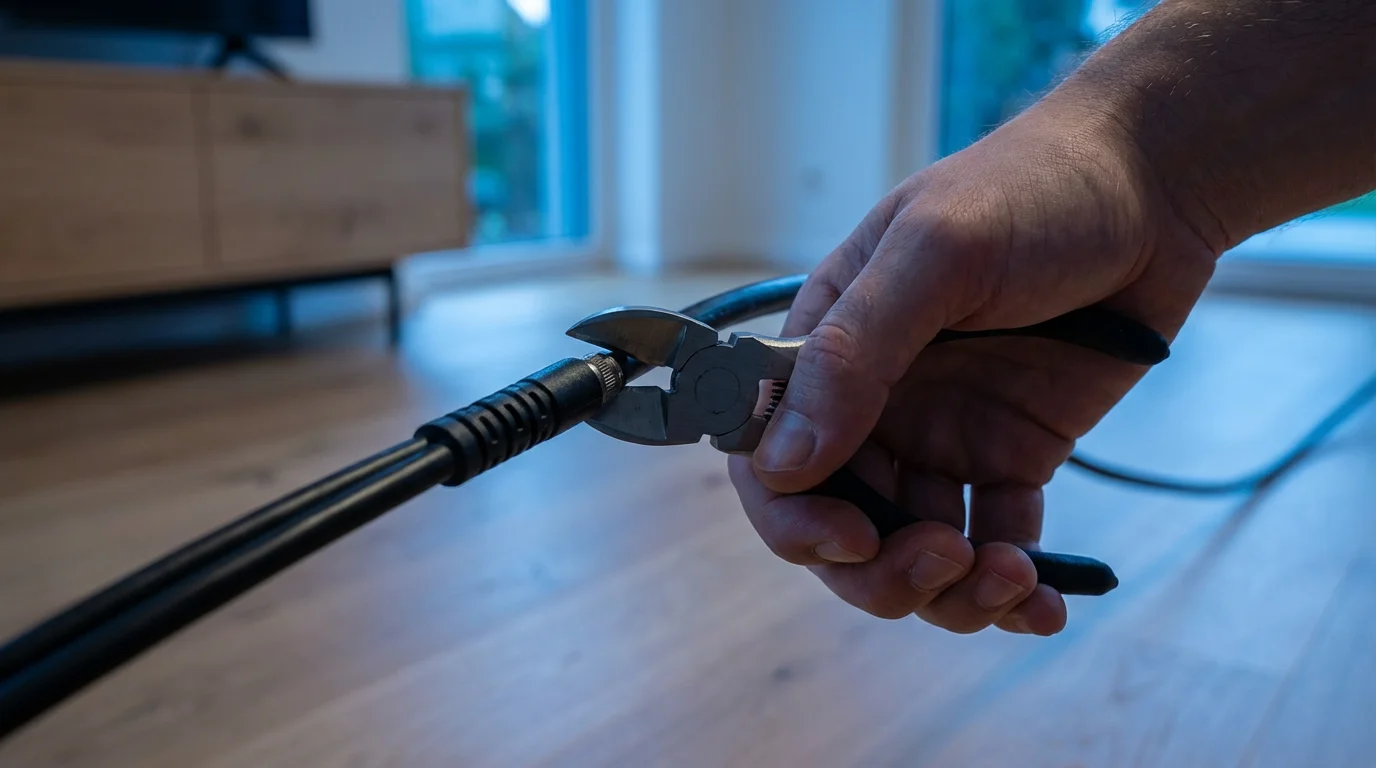
Your Step-by-Step Guide to Canceling Cable TV
The thought of canceling cable might feel daunting, but the process is straightforward. Cable providers often employ retention specialists to try and keep you as a customer. Arm yourself with information, be polite but firm, and follow these steps to successfully cut the cord.
- Evaluate Your Current Viewing Habits: Before you call, make a list of your must-have channels and shows. Do you primarily watch local news? Are specific sports channels non-negotiable? This helps you confirm which streaming services you truly need and gives you confidence in your decision.
- Select Your Streaming Services and Acquire Equipment: Sign up for free trials of your chosen streaming services. Ensure your internet speed is sufficient and your streaming device (smart TV, Roku, Fire TV, etc.) is set up and working. Test everything thoroughly to confirm you are comfortable with the new setup.
- Contact Your Cable Provider: Call their customer service line. When prompted, state clearly that you wish to cancel your service. You will likely be transferred to a “retention specialist” whose job is to keep you.
- Be Prepared for Retention Offers: The specialist will likely offer you discounts, bundled services, or special promotions to stay. Politely decline these offers, reiterating your decision to cancel. State that you have found more flexible and cost-effective alternatives through streaming. Remember, you control your choices, not their sales pitch.
- Confirm Cancellation Details: Ensure you receive a confirmation number for your cancellation. Ask about any final charges, prorated refunds, and the process for returning equipment. Document everything discussed, including the date, time, and name of the representative.
- Return All Leased Equipment: This is a crucial step to avoid unnecessary fees. Gather all cable boxes, modems, routers (if leased), and remote controls. Follow your provider’s instructions for returning them, which usually involves dropping them off at a local office or a designated shipping center. Keep your receipt or proof of return indefinitely.
Completing these steps empowers you to fully embrace your new streaming lifestyle, free from the constraints of traditional cable. You transition to an entertainment setup designed around your preferences and budget.

Budgeting for Your Streaming Lifestyle: Smart Saving Strategies
One of the primary motivations for cutting the cord is financial savings. While individual streaming services appear affordable, costs can add up if you subscribe to too many. You gain maximum benefit from your streaming choices by approaching them strategically, ensuring your entertainment budget remains lean and efficient.
Employ these smart strategies to optimize your streaming costs:
- Rotate Your Subscriptions: You do not need every service simultaneously. Watch a season of a show on Netflix, cancel, then subscribe to Max for a month to catch up on their originals. Many popular series release episodes weekly or seasons all at once. Plan your viewing and rotate subscriptions accordingly. This significantly reduces your overall monthly spend while still allowing access to diverse content.
- Leverage Free Trials: Almost every streaming service offers a free trial, typically for 7 to 30 days. Use these trials to explore content and test the user interface without commitment. Set a reminder to cancel before the trial ends if you do not plan to continue.
- Utilize Free Ad-Supported Services: As discussed, services like Pluto TV, Tubi, and Freevee provide a vast amount of content completely free. Use them as your default option for casual viewing, only turning to paid services when you want specific shows or ad-free experiences.
- Bundle Smartly: Some services offer bundles that save you money compared to subscribing individually. The Disney Bundle, which includes Disney+, Hulu, and ESPN+, is a prime example. Evaluate these offers carefully to ensure they align with your viewing needs.
- Share Accounts Responsibly: Most streaming services allow multiple profiles and simultaneous streams. If you live in a multi-person household, share your accounts according to the service’s terms to split costs. However, respect terms of service that typically restrict sharing outside your immediate household.
- Regularly Review Your Subscriptions: Set a quarterly reminder to review your active subscriptions. Are you still watching everything you pay for? Cancel any service you haven’t used recently. This proactive approach prevents forgotten subscriptions from draining your budget.
By applying these budgeting tactics, you maintain excellent entertainment options without overspending. You take an active role in managing your digital expenses, reflecting the modern retiree’s empowered approach to personal finance, as often advocated by financial experts at NerdWallet.
Frequently Asked Questions
Is cutting the cord really cheaper than cable?
Yes, for most people, cutting the cord results in significant savings. While individual streaming services might seem inexpensive, carefully choosing a few core services combined with free ad-supported options generally costs less than a traditional cable TV package. The average cable bill exceeds $80-$100 monthly, whereas a personalized streaming bundle often falls well below $50, depending on your choices.
Do I need a smart TV to stream content?
No, you do not need a smart TV. While smart TVs have built-in apps, you can easily turn any modern TV with an HDMI port into a streaming powerhouse using an external streaming device. Devices like Roku, Amazon Fire TV Stick, Apple TV, or Google Chromecast connect to your TV and provide access to all major streaming services.
What if my internet speed isn’t great? Will streaming work?
A reliable high-speed internet connection is crucial for a good streaming experience. For standard definition, 3-5 Mbps is generally adequate, but for high-definition (HD) streaming, you typically need 25-50 Mbps. For 4K Ultra HD, 50 Mbps or higher is recommended. If your internet speed is consistently below these recommendations, you might experience buffering or lower video quality. Contact your internet provider to discuss available upgrades.
Can I still watch local channels like ABC, CBS, Fox, and NBC?
Absolutely. You have a few options for local channels. Many live TV streaming services (like YouTube TV or Hulu + Live TV) include local network affiliates in their packages, depending on your geographic location. Alternatively, you can purchase an inexpensive one-time-cost HDTV antenna to pick up free over-the-air broadcasts of these channels in high definition.
Is learning to stream difficult for someone who is used to cable?
Not at all. Streaming devices and apps are designed with user-friendliness in mind. Interfaces are typically intuitive, featuring large icons and clear navigation. Many modern retirees find the transition surprisingly smooth. Start with a free trial, experiment with different apps, and leverage online tutorials or family members for assistance. You will quickly adapt to the new system.
Disclaimer: This article is for informational purposes. Technology, apps, and services mentioned may change over time. We encourage readers to research current options and consider their individual needs when making decisions.







Leave a Reply