
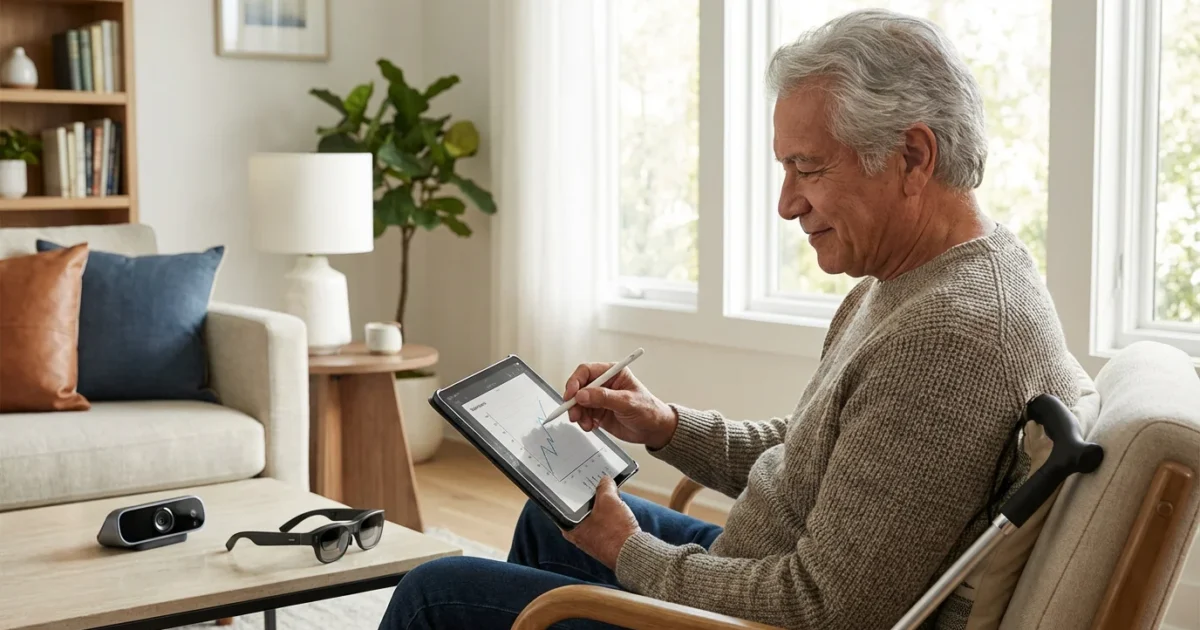
Retirement in the modern age redefines independence, choice, and continued engagement. Many individuals approaching or in their retirement years face evolving health considerations, including changes in vision. Rather than seeing visual impairment as a barrier, today’s forward-thinking retirees embrace an exciting array of assistive technology designed to maintain and enhance their vibrant lifestyles. You possess more tools than ever to navigate the world, stay connected, and pursue your passions, regardless of visual challenges.

Redefining Visual Impairment in the Digital Age
Visual impairment once presented significant hurdles, often leading to reduced independence. However, the digital revolution fundamentally alters this narrative. Today, technology provides powerful solutions, empowering you to continue engaging with the world on your own terms. Your generation embraces innovation, recognizing that smart tools can adapt your environment to your needs, fostering continued autonomy and enjoyment.
This digital empowerment also allows you to independently manage your medical information through accessible patient portals.
Just as innovations in modern hearing aid technology have changed how we address auditory needs, visual aids are reshaping the retirement landscape.
You do not need to settle for limitations. Instead, you can leverage cutting-edge advancements to read, connect, travel, and manage your daily life with confidence. This new era of assistive technology promotes active participation, ensuring visual changes do not diminish your retirement experience. It is about enhancing your capabilities, not compensating for deficits.
Understanding the Landscape of Assistive Technology
Assistive technology encompasses a broad range of devices and software that help individuals with disabilities perform tasks they might otherwise find difficult or impossible. For visual impairment, this category includes everything from simple magnifiers to complex AI-powered devices. The goal is always to bridge the gap between your abilities and the demands of daily living.
These specific devices for vision are a subset of the broader category of accessible technology tools available to seniors today.
Understanding what assistive technology exist opens up a world of possibilities. You will discover tools designed for specific needs, whether it involves reading documents, navigating unfamiliar places, or interacting with digital screens. This evolving landscape offers bespoke solutions tailored to individual preferences and varying degrees of vision loss.
Modern assistive technology prioritizes user-friendliness and seamless integration into your existing routines. Many tools operate on devices you already own, such as smartphones and tablets, making adoption straightforward and intuitive.

Empowering Daily Life with Screen Readers and Accessibility Features
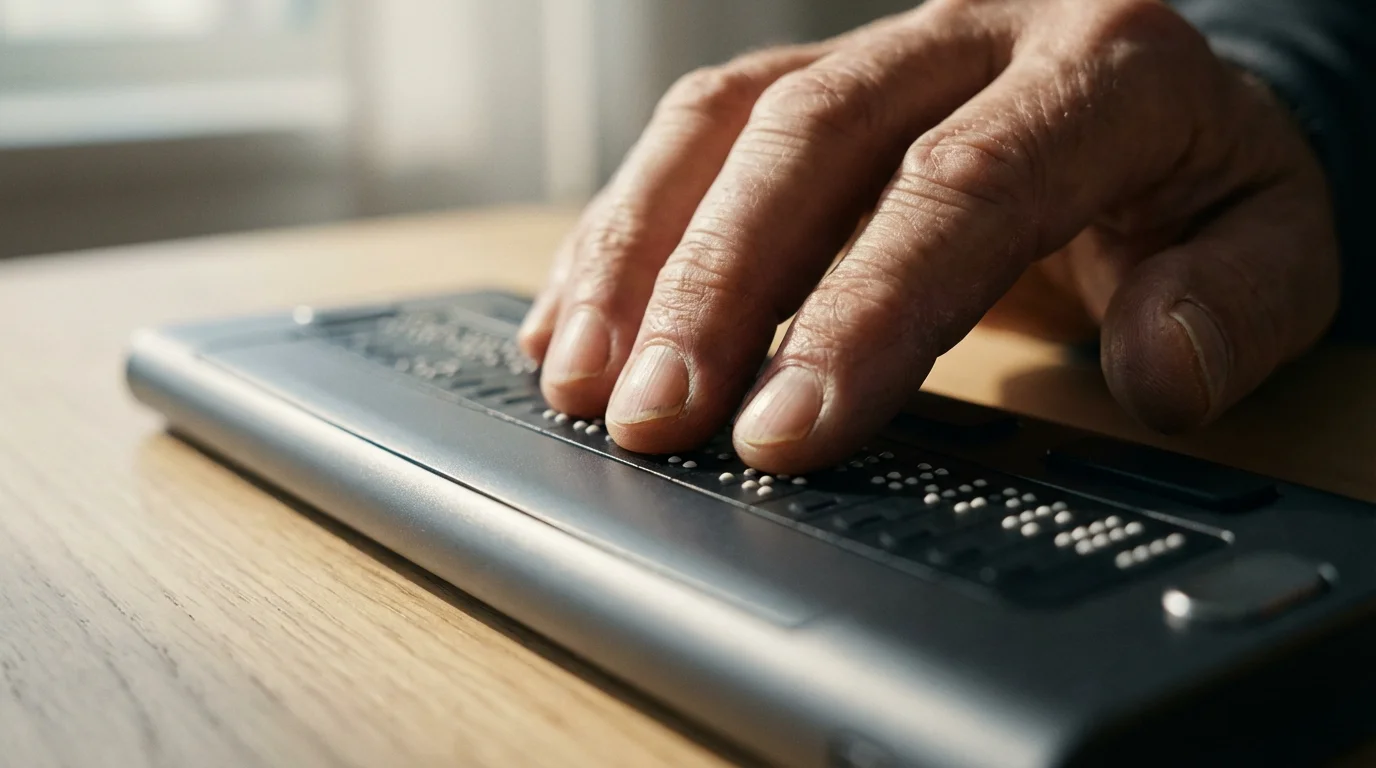
Screen readers represent a cornerstone of digital accessibility for individuals with visual impairment. These software applications interpret what appears on a computer or smartphone screen and read it aloud, or convert it to braille. You can fully interact with websites, emails, documents, and apps, gaining complete access to digital content.
Learning to navigate these features opens the door to using many other essential apps for retirees that enhance social connection and organization.
Every major operating system includes robust built-in screen reader functionality. Apple devices offer VoiceOver, Android devices feature TalkBack, and Windows computers provide Narrator. Learning how to use technology for visual impairment often starts with mastering these fundamental tools. These features allow you to adjust text size, contrast, and color, providing a personalized viewing experience. You control the speed and voice, adapting the output to your comfort.
Here are some core screen reader and accessibility features:
- VoiceOver (Apple iOS/macOS): Integrates deeply with Apple products, offering gesture-based navigation on touchscreens and full keyboard support on Macs. It reads aloud elements such as text, buttons, and app icons.
- TalkBack (Android): Provides spoken feedback, haptic feedback, and gesture navigation for Android smartphones and tablets. You can customize its settings for different app experiences.
- Narrator (Windows): A built-in screen reader that reads text and describes events on your computer screen. It helps you navigate the Windows interface, browse the web, and use applications.
- Zoom and Magnifier Features: All operating systems offer screen magnification, allowing you to enlarge specific portions of your screen. This helps you focus on details without needing to read the entire screen at once.
- High Contrast Modes: These settings change color palettes to improve text readability against backgrounds. Many retirees find these adjustments significantly reduce eye strain.
- Voice Control: Beyond just listening, you can control your devices using voice commands. Dictate emails, open apps, and browse the web entirely hands-free.
Mastering these integrated tools grants you significant independence in the digital realm. Pew Research Center data indicates a significant increase in smartphone adoption among older adults, highlighting the accessibility potential embedded in these ubiquitous devices.
Navigating the World: Mobility and Orientation Technologies
Maintaining mobility and confidently navigating public spaces stands as a key aspect of an active retirement. Assistive technology now offers sophisticated solutions for orientation and independent travel. These tools move beyond traditional white canes, integrating GPS, sensors, and even human assistance.
You can now utilize smartphone apps that provide real-time audio cues for navigation, identifying street names, landmarks, and obstacles. These applications leverage GPS and mapping data, guiding you with spoken directions. Many apps also connect you with sighted volunteers for immediate visual assistance.
Consider these innovative tools for enhanced mobility:
- Aira: This service connects you via video call to a trained agent who can see your surroundings through your smartphone camera or smart glasses. The agent describes what they see, helping you navigate, read labels, or identify objects in real time.
- Be My Eyes: A free app connecting visually impaired individuals with sighted volunteers through live video calls. Volunteers assist with tasks like reading expiration dates, checking outfit colors, or finding lost items.
- Microsoft Seeing AI: A free app that narrates the world around you. It reads short texts instantly, identifies products by barcodes, recognizes faces, describes scenes, and identifies currency. This powerful tool transforms visual information into audible descriptions.
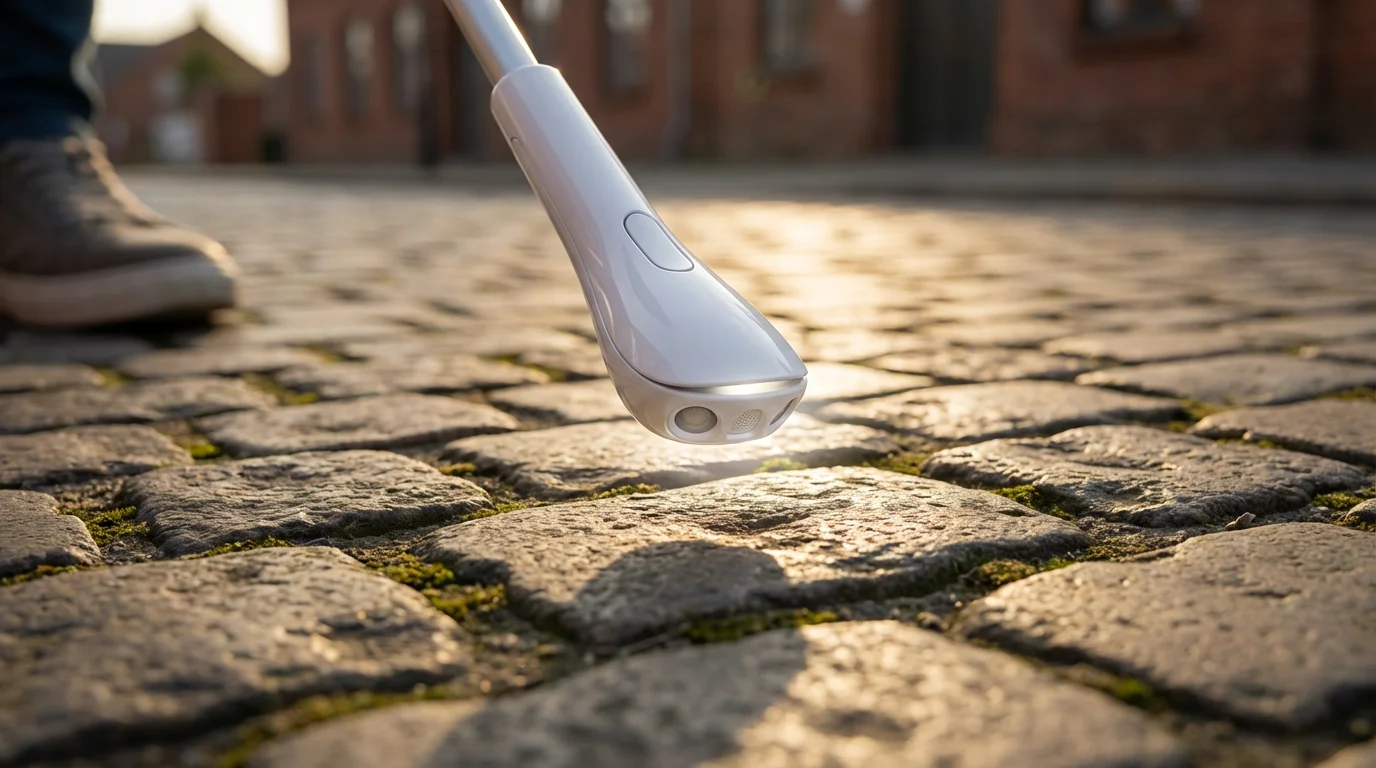
- Smart Canes and GPS Devices: Companies develop canes with integrated sensors that detect obstacles beyond the reach of a traditional cane, often vibrating to alert you. Specialized GPS devices designed for the visually impaired provide more detailed audio navigation instructions than standard car GPS systems.
These technologies reduce anxiety associated with unfamiliar environments, giving you the confidence to explore new places and maintain your routine activities.

Smart Home Integration for Enhanced Independence
Your home should be a sanctuary of comfort and accessibility. Smart home technology provides significant advantages for managing your living space with greater ease and safety. Integrating these devices transforms routine tasks into simple voice commands or automated actions.
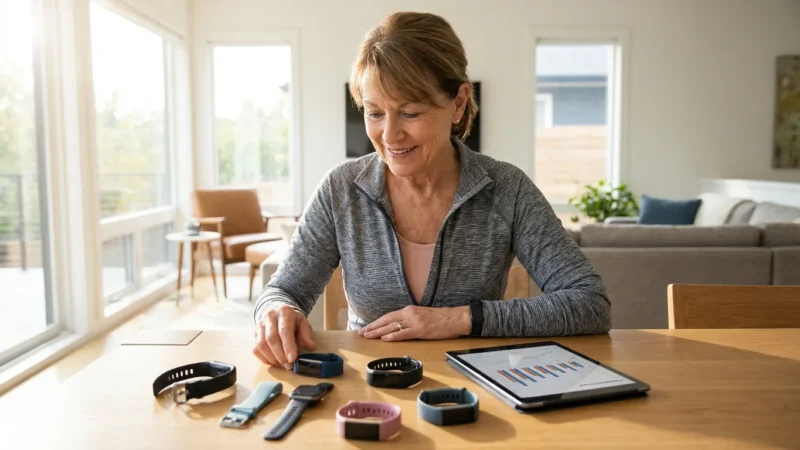
For those who enjoy staying mobile, finding a voice-compatible fitness tracker for seniors can further enhance your daily health monitoring.
Imagine controlling your lights, thermostat, or even your entertainment system simply by speaking. Voice assistants serve as central hubs for managing various smart devices, providing instant access and information. This significantly reduces the need for precise manual interaction with switches or small buttons.
Popular smart home devices and their benefits:
- Smart Speakers (e.g., Amazon Echo, Google Nest): These devices serve as central hubs for voice commands. You can ask them to play music, set timers, get news updates, and control other smart devices. Their voice interaction eliminates visual reliance for many daily tasks.
- Smart Lighting: Connect smart bulbs to your voice assistant and control lights with your voice. You can also set schedules or dim lights to conserve energy or create ambience without fumbling for switches.
- Smart Thermostats: Adjust your home’s temperature simply by speaking to your voice assistant. This eliminates the need to visually locate and interact with small thermostat displays.
- Smart Appliances: Many modern appliances, from ovens to washing machines, offer smart features. You can often control them remotely or receive audio notifications about their status.
- Video Doorbells and Security Cameras: While primarily visual, many smart security systems integrate with voice assistants, allowing you to receive audio alerts or even speak to visitors through the doorbell, adding a layer of security and convenience.
According to a study by MIT AgeLab, older adults show increasing interest in smart home technologies to support independent living. These systems truly empower you to manage your environment efficiently.

Leveraging AI and Advanced Tools for Visual Support
Artificial Intelligence (AI) drives many of the most exciting advancements in assistive technology. AI’s ability to process complex information rapidly allows for sophisticated visual interpretation and assistance. These tools are becoming increasingly intuitive and powerful, offering support that was once unimaginable.
The same intelligence powering these visual tools is also being used to help seniors with decoding medical jargon and understanding health documents.
Miniature wearable devices now integrate AI to provide instant feedback about your surroundings. You wear them like glasses or clip them to your clothing, and they process visual information, describing it to you audibly. These devices analyze text, recognize faces, identify objects, and even describe scenes.
Advanced AI-powered tools include:
- OrCam MyEye: This discreet device clips to your glasses and uses a small camera to read text from any surface, recognize faces, identify products, and even detect colors. It speaks the information directly to you through a tiny speaker. This device revolutionizes access to printed material and real-world interactions.
- Envision Glasses: Similar to OrCam, Envision Glasses use AI to read text, describe scenes, recognize faces, and provide information about objects. They also offer a “Call an Ally” feature, connecting you with trusted contacts for visual assistance.
- Object Recognition Apps: Beyond general scene description, specialized apps use AI to identify specific objects, such as currency, plants, or household items. These apps often require you to point your phone camera at an object for an audio description.
- AI-Powered Text-to-Speech Readers: While screen readers convert digital text, AI text-to-speech tools can convert physical documents, menus, or signs into spoken word with remarkable accuracy and natural-sounding voices.
These technologies not only assist with visual tasks but also enhance your connection to the world around you, providing a richer, more descriptive experience.

Choosing Your Path: Personalizing Assistive Solutions
With the vast array of available assistive technology, selecting the right tools requires a personalized approach. Your specific visual impairment, lifestyle, comfort with technology, and budget all play a role in determining the most effective solutions for you. There is no one-size-fits-all answer; instead, you build a custom toolkit.
Begin by assessing your most pressing needs. Do you struggle most with reading print, navigating outdoors, or managing digital devices? Prioritizing these areas helps narrow down the options. You can start with free or built-in solutions, then explore more specialized devices as needed.
Consider these steps when building your personal assistive technology toolkit:
- Consult with Specialists: Work with an optometrist, low vision specialist, or occupational therapist. They can recommend specific devices based on your eye condition and functional needs.
- Try Before You Buy: Many organizations and retailers offer trial periods for expensive devices. Utilize demos, workshops, and community centers to experience products firsthand.
- Start Simple: Begin with the accessibility features already built into your smartphone or computer. These free tools provide significant support and help you get accustomed to auditory feedback.
- Prioritize Your Needs: Focus on the tasks that are most important for maintaining your independence and quality of life. Is it reading your mail, going for walks, or using your computer for hobbies?
- Factor in Training: Some advanced devices require a learning curve. Inquire about training programs or tutorials available for the technology you choose.
- Budget Wisely: Explore options at different price points. Many effective solutions are affordable or even free, while more specialized devices may be covered by insurance or grants.
The journey to embracing assistive technology is an ongoing process of discovery and adaptation. You have the power to curate a suite of tools that perfectly complements your modern retirement lifestyle.
The Community and Support Systems
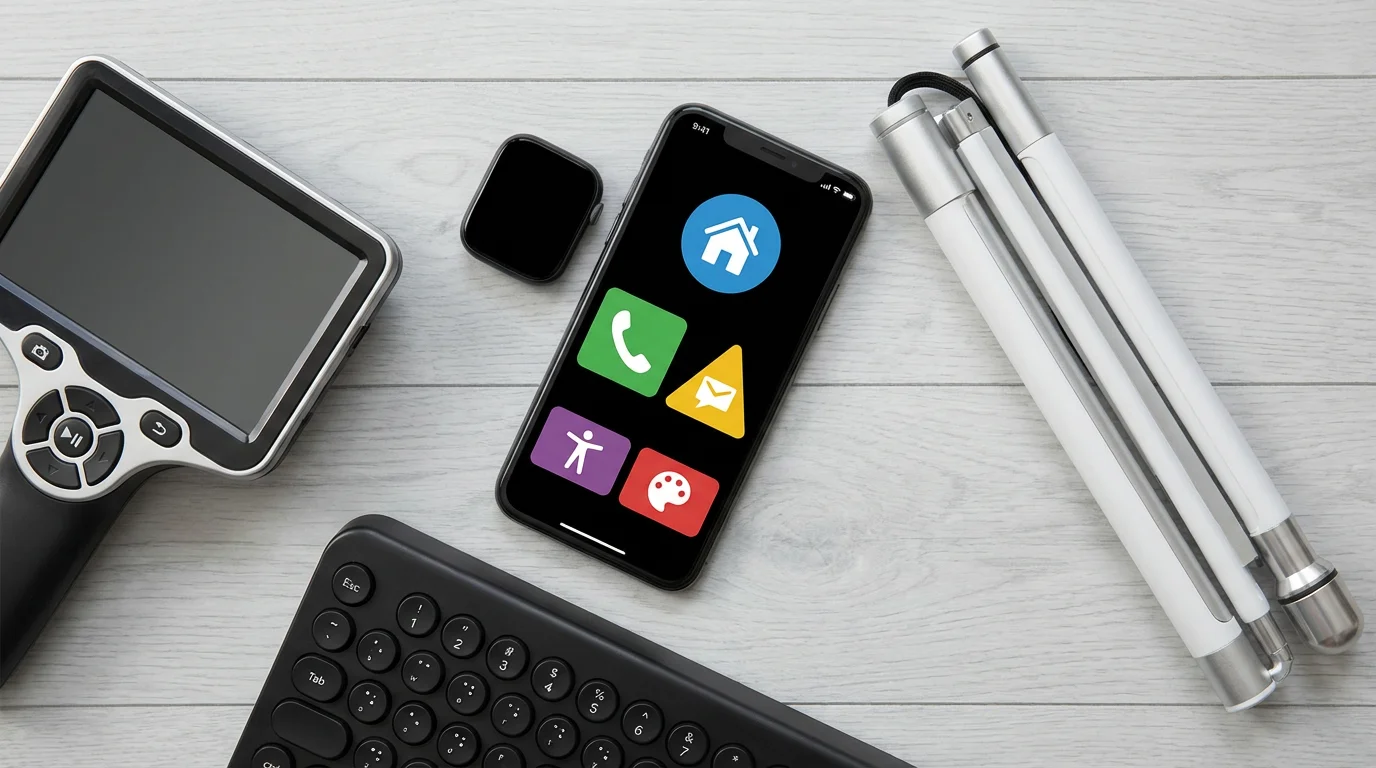
You are not alone in this journey. A robust network of communities and support systems exists to help you navigate assistive technology and embrace an independent lifestyle. Connecting with others facing similar challenges provides invaluable insights, encouragement, and practical advice.
Organizations dedicated to supporting individuals with visual impairment offer resources ranging from educational workshops to peer support groups. These communities help you discover new tools, learn best practices, and share experiences. Online forums and local chapters provide accessible platforms for connection and information exchange. For example, the American Foundation for the Blind offers extensive resources and advocacy, while organizations like AARP provide information on aging and technology.
Ways to connect and find support:
- Local Low Vision Centers: Many cities have centers offering assessments, training, and demonstrations of assistive devices.
- Online Forums and Social Media Groups: Platforms like Reddit’s r/Blind or Facebook groups dedicated to visual impairment technology provide vibrant communities for discussion and advice.
- Non-profit Organizations: Groups like the National Federation of the Blind or the American Council of the Blind offer extensive resources, advocacy, and community programs.
- Tech Support and Training: Manufacturers of assistive devices often provide dedicated customer support and training programs to help you get the most out of their products.
- Accessibility Consultants: Independent consultants specialize in helping individuals identify and implement appropriate assistive technologies.
Embracing these communities enriches your experience, offering both practical assistance and emotional support.
Frequently Asked Questions
What is assistive technology for visual impairment?
Assistive technology for visual impairment includes any device, software, or equipment that helps individuals with vision loss perform tasks they might otherwise find difficult. This ranges from screen readers that voice digital content to smart canes that detect obstacles, enhancing independence and daily functionality.
How can I use technology for visual impairment on my smartphone?
You can use your smartphone’s built-in accessibility features such as screen readers (VoiceOver for Apple, TalkBack for Android), screen magnification, high-contrast modes, and voice control. Many apps like Microsoft Seeing AI and Be My Eyes also leverage your phone’s camera and AI to provide verbal descriptions of your surroundings or connect you with sighted volunteers.
What assistive technology exist for reading printed materials?
For printed materials, technologies include handheld or desktop video magnifiers, text-to-speech apps that scan and read documents aloud, and advanced wearable devices like OrCam MyEye or Envision Glasses. These devices can instantly convert physical text into audible speech, making books, menus, and labels accessible.
Is assistive technology expensive, and will insurance cover it?
The cost of assistive technology varies widely, from free built-in smartphone features and apps to specialized devices costing thousands of dollars. Some devices may be covered by health insurance, Medicare, Medicaid, or vocational rehabilitation programs, especially if they are deemed medically necessary. Always check with your insurance provider and explore grant opportunities.
Where can I get training on how to use assistive technology?
Many resources offer training. Low vision clinics, rehabilitation centers, and non-profit organizations for the blind often provide workshops and one-on-one training. Online tutorials, device manufacturers, and even tech-savvy family members or friends can also be valuable resources for learning how to use technology for visual impairment effectively.
Disclaimer: This article is for informational purposes. Technology, apps, and services mentioned may change over time. We encourage readers to research current options and consider their individual needs when making decisions.


Leave a Reply