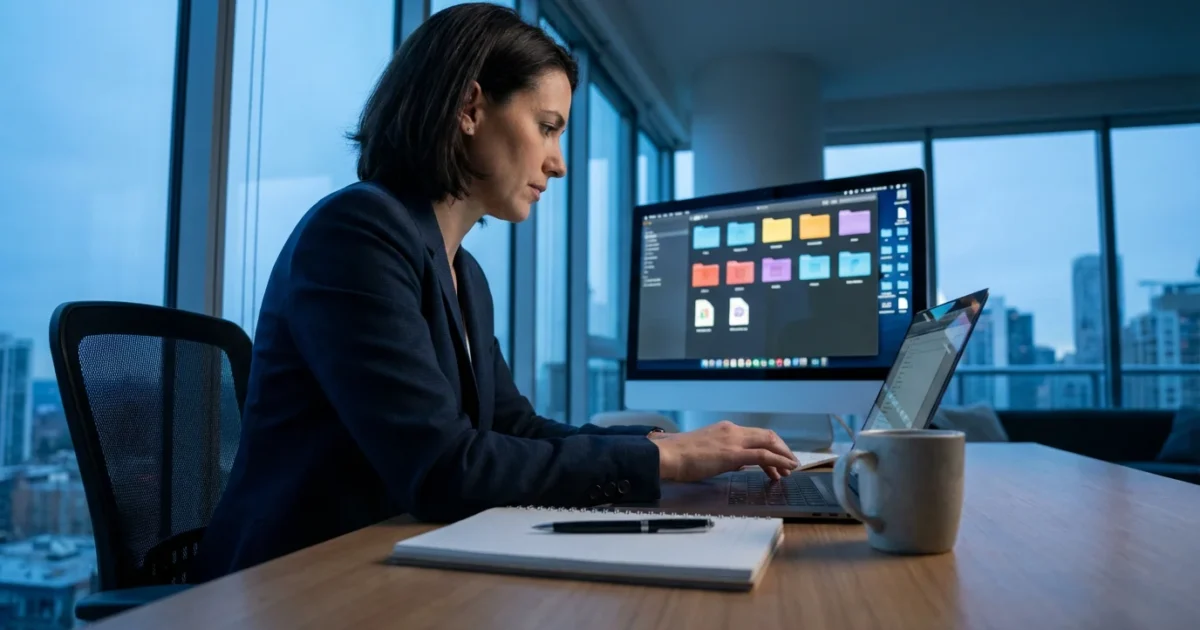
Email remains a cornerstone of digital life, a vital tool for connecting with family, managing finances, and accessing information. For the modern retiree, mastering email goes beyond simply sending messages; it involves strategic organization, robust security, and efficient communication. This guide empowers you to transform your inbox from a source of overwhelm into a streamlined hub, ready to support your vibrant, tech-savvy retirement lifestyle. You will discover practical strategies and tools to enhance your digital communication, ensuring your email serves you effectively and securely.

Email Reimagined: Essential for Modern Retirement
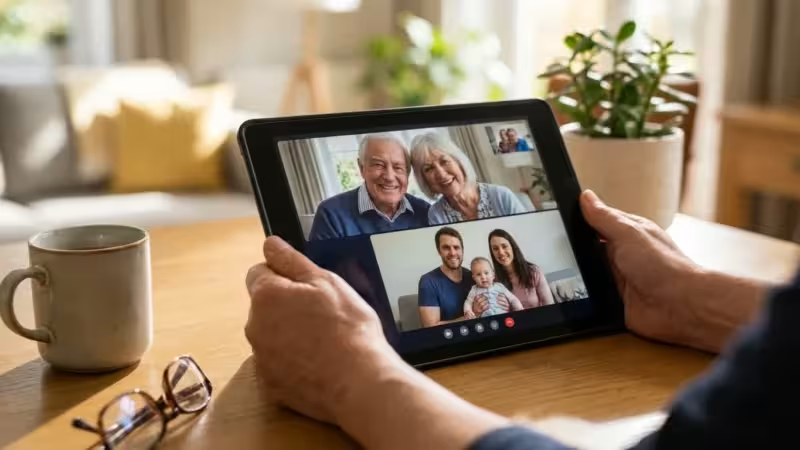
Email’s role has evolved significantly. It is no longer just for formal letters; it serves as your digital identity, your primary communication channel, and your gateway to online services. Modern retirees use email for everything from managing investment accounts to receiving updates from their passion clubs. An organized and secure email system directly contributes to your peace of mind and your ability to fully engage with the digital world. You gain control over your digital footprint when you effectively manage your email.
For many, retirement means more time for personal pursuits and community engagement. Email facilitates these connections. You might communicate with volunteer organizations, coordinate travel plans with friends, or receive newsletters from hobby groups. Effective email management ensures you do not miss crucial information and can respond promptly to opportunities. This proactive approach helps you stay connected and informed, maximizing your enjoyment of retirement.
The future belongs to those who believe in the beauty of their dreams.
— Eleanor Roosevelt

Streamlining Your Inbox: Effective Email Organization Strategies
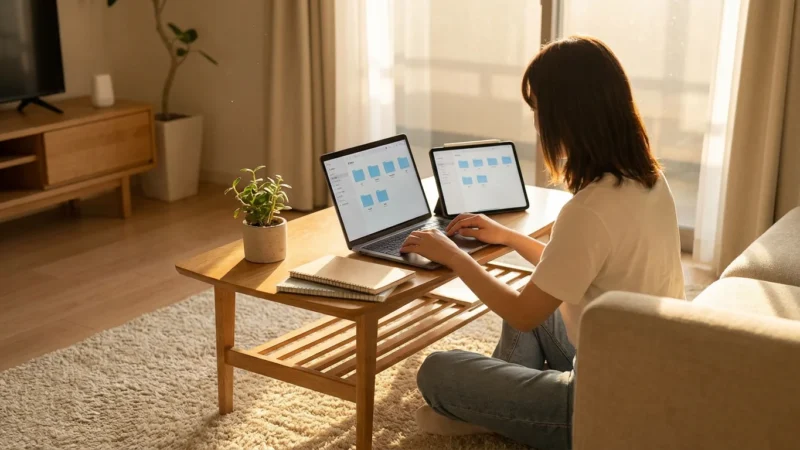
An overflowing inbox creates stress and leads to missed communications. Implement a systematic approach to `email organization` to regain control. The goal is to process messages efficiently and ensure important emails are easily discoverable. You will find that a few simple habits make a significant difference in your daily email experience.
Decluttering and Prioritization
Start by tackling the backlog. This initial cleanup might feel daunting, but it lays the groundwork for a more manageable system. Consider dedicating a specific block of time for this task. You will appreciate the reduced clutter and improved clarity.
- Unsubscribe ruthlessly: Identify newsletters and promotional emails you no longer read. Most emails include an “unsubscribe” link at the bottom. Click it.
- Delete or archive old emails: Messages older than a certain period, for example, six months, likely no longer require your immediate attention. Archive them if you might need them later or delete them if they hold no value.
- Create folders or labels: Categorize emails by sender, project, or topic. Most `email` providers, such as Gmail, Outlook, and Apple Mail, offer robust labeling or folder systems.
For instance, create folders for “Travel Plans,” “Financial Documents,” “Family Updates,” and “Community Group.” When a new email arrives, quickly decide its destination. This simple act of sorting saves significant time later when you need to retrieve specific information.
Automating Your Inbox with Filters and Rules
Automated rules can significantly improve `how to improve email management`. These tools sort incoming emails before they even reach your primary inbox, directing them to specific folders or marking them as read. You save time and reduce the visual clutter of your main inbox.
- Set up rules for common senders: Direct emails from specific contacts, such as family members or your bank, directly to a dedicated folder. For example, all emails from “family@example.com” could go to your “Family Updates” folder.
- Filter promotional emails: Create a rule that moves emails containing keywords like “promotion,” “sale,” or “discount” to a “Promotions” folder. You can review these at your leisure.
- Prioritize important senders: Some email clients allow you to flag emails from specific senders as “important” or apply a star. This highlights messages requiring immediate attention.
Unlocking Powerful Email Features for Efficiency
Modern email platforms offer advanced features that go beyond basic sending and receiving. Learning to leverage these tools empowers you to manage your communications more effectively and maintain better `email organization`. You will discover features that streamline your workflow and enhance your productivity.
Smart Inboxes and Focus Features
Many email providers incorporate smart features designed to help you focus on what matters. These intelligent systems analyze your email patterns and prioritize messages accordingly. You benefit from less distraction and a clearer view of your most important communications.
- Gmail’s Categories: Gmail automatically categorizes incoming emails into Primary, Social, Promotions, Updates, and Forums. This separation helps you focus on personal and important emails first.
- Outlook’s Focused Inbox: Outlook intelligently separates your inbox into “Focused” for important emails and “Other” for everything else. You can toggle between these views to manage your attention.
- Snooze functions: Temporarily hide emails from your inbox until a later, more convenient time. This is excellent for emails that require action but not immediately.
Utilizing Search and Archiving
A highly organized system works best when paired with effective search capabilities. Instead of spending valuable time sifting through folders, you can quickly locate specific messages using advanced search queries. Archiving keeps your inbox clean without deleting important information.
- Master search operators: Use specific keywords, sender names, date ranges, or even attachment types in your search bar. For example, “from:jane.doe@example.com subject:invoice before:2023-01-01” will pinpoint a specific email.
- Embrace archiving: Archiving removes an email from your inbox but keeps it accessible in your “All Mail” or “Archive” folder. This is a crucial step for maintaining a clean inbox while retaining records.
- Regularly review archived mail: Periodically check your archived mail for items you might need to address or permanently delete. This ensures your archive remains manageable.

Fortifying Your Email Security in a Digital World
`Email security` is paramount in today’s digital landscape. Modern retirees face various threats, from phishing scams to malware, which can compromise personal information and financial accounts. Proactive measures protect your digital identity and maintain your peace of mind. You must adopt strong security habits to safeguard your online presence.
Recognizing and Avoiding Scams
Scammers constantly evolve their tactics, but understanding common warning signs helps you identify and avoid malicious emails. Phishing attempts, for example, often mimic legitimate organizations to trick you into revealing sensitive data. Always remain vigilant and question suspicious requests.
- Phishing awareness: Be suspicious of emails requesting personal information, such as passwords, bank details, or Social Security numbers. Legitimate organizations rarely ask for this via email.
- Check sender addresses carefully: Scammers often use email addresses that look similar to official ones. For example, “support@aarp-members.com” instead of “support@aarp.org.” Even a slight typo indicates a potential scam.
- Hover over links: Before clicking a link, hover your mouse over it (without clicking) to see the actual URL. If the URL does not match the expected destination, do not click.
- Beware of urgent or threatening language: Scammers often use urgency (“Your account will be suspended!”) or threats to pressure you into immediate action. Take a moment to verify any urgent request independently.
According to Consumer Reports, recognizing these red flags is crucial for protecting yourself against online fraud. Staying informed about current scam tactics empowers you to make safer decisions online. You can learn more about protecting yourself from email scams at Consumer Reports.
Implementing Robust Security Measures
Your email provider offers several security features you should enable. These layers of protection make it significantly harder for unauthorized individuals to access your account. You take control of your digital safety when you activate these measures.
- Use strong, unique passwords: Create complex passwords that combine uppercase and lowercase letters, numbers, and symbols. Never reuse passwords across multiple accounts. Consider using a password manager to securely store and generate strong passwords.
- Enable two-factor authentication (2FA): This adds an extra layer of security. Even if someone has your password, they cannot access your account without a second verification, usually a code sent to your phone or generated by an authenticator app. This is perhaps the single most important `email security` step you can take.
- Regularly review account activity: Check your email account’s security settings for any unusual login attempts or changes. Most providers offer a way to view recent activity.
- Keep your software updated: Ensure your operating system, web browser, and email client are always running the latest versions. Updates often include critical security patches.
Mastering Email on the Go: Your Mobile Command Center
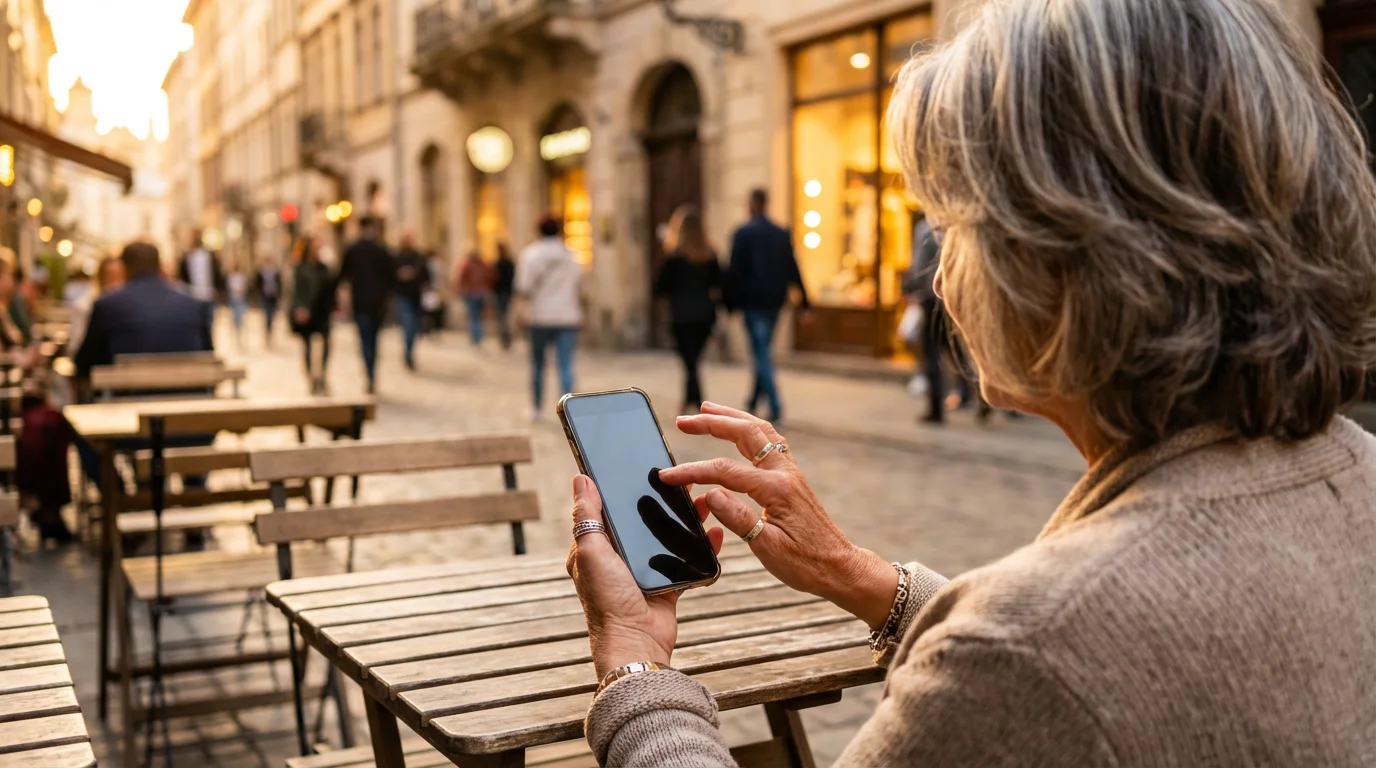
Your smartphone or tablet transforms into a powerful mobile email command center, allowing you to stay connected and organized no matter where you are. This flexibility is invaluable for modern retirees who travel, pursue hobbies, or simply enjoy life outside the home. You can manage your communications effectively with the right setup.
Choosing the Right Mobile Email App
Most default email apps on smartphones are capable, but third-party apps often offer enhanced features and better `email organization` tools. Experiment to find an app that aligns with your specific needs and preferences. You will find a more intuitive and efficient experience with the right application.
- Native apps (Apple Mail, Gmail app, Outlook app): These are usually pre-installed and integrate well with their respective ecosystems. They offer reliable performance and basic functionality.
- Spark Mail: Known for its “Smart Inbox” which automatically categorizes emails as personal, notifications, and newsletters. It also offers snooze and send-later features.
- Canary Mail: Focuses heavily on privacy with end-to-end encryption. It also includes an AI assistant for drafting emails and smart filters.
- Newton Mail: Offers read receipts, send later, and undo send features. It integrates with many other productivity apps.
Consider the interface, notification options, and integration with your calendar or contacts when selecting an app. The best mobile app enhances `how to improve email management` without adding complexity.
Optimizing Mobile Email Workflow
Mobile devices offer unique ways to interact with email. Leveraging these capabilities allows for quick triage and response, ensuring you manage your inbox efficiently even when away from your desk. You can process messages with just a few taps.
- Utilize quick swipe actions: Most mobile email apps allow you to customize swipe gestures for actions like archive, delete, mark as read, or move to a folder. Customize these to your most frequent actions.
- Disable unnecessary notifications: Turn off notifications for promotional or less urgent folders. You only receive alerts for emails requiring immediate attention, reducing distractions.
- Draft replies on the go: Use voice-to-text features or keep replies concise. You can often address simple emails quickly while waiting in line or during a break.
- Batch processing: Instead of checking email constantly, set specific times during the day to open your mobile email app. This helps you focus and avoid constant interruptions.
The ability to manage your `email` from anywhere empowers you to remain productive and connected, embracing the flexibility of modern retirement. For more insights on leveraging mobile technology, review resources from The Verge.

Adopting Best Practices for Ongoing Email Management
Maintaining an efficient email system requires consistent effort and adherence to `what are the best email practices`. These ongoing habits ensure your inbox remains a productive tool rather than a source of stress. You will find that small, consistent actions yield significant long-term benefits.
Establishing an Email Routine
Regularly scheduled email checks prevent your inbox from becoming overwhelming. Instead of constantly monitoring new messages, you can dedicate specific times to process your `email`. This strategy improves focus and reduces anxiety.
- Process emails in batches: Instead of leaving your inbox open all day, check your email two or three times a day, for example, once in the morning, once after lunch, and once before ending your day.
- Apply the “Two-Minute Rule”: If an email takes less than two minutes to read and respond to, do it immediately. This prevents small tasks from piling up.
- Adopt an “Inbox Zero” mentality: The goal is not to have zero emails, but to process every email in your inbox. This means deleting, archiving, responding, or moving to a specific folder.
These practices make `how to improve email management` a sustainable habit, keeping your digital communications organized and efficient.
Digital Etiquette and Communication Clarity
Effective email communication involves more than just sending messages. It also includes adhering to proper digital etiquette to ensure your messages are clear, professional, and well-received. You represent yourself and your intentions through your email interactions.
- Craft clear subject lines: A concise and informative subject line helps the recipient understand the email’s purpose immediately. “Meeting Notes: Project X Update” is better than “Meeting.”
- Be concise and to the point: Respect the recipient’s time by getting straight to your message. Use short paragraphs and bullet points for readability.
- Proofread before sending: Errors detract from your message’s credibility. Always double-check for typos, grammatical mistakes, and clarity before hitting send.
- Consider your audience: Adjust your tone and formality based on who you are communicating with. A formal tone suits professional correspondence, while a more casual approach works for close friends and family.
By following these best practices, you not only manage your own email effectively but also contribute to clearer, more respectful digital interactions with others. This enhances your overall digital experience and communication skills in retirement.
Frequently Asked Questions
What is the most effective way to manage a large volume of daily emails?
Implement a combination of strategies. Start by unsubscribing from unnecessary newsletters and setting up filters to automatically sort promotional emails into separate folders. Then, process your main inbox in batches, using the “Two-Minute Rule” for quick replies and archiving or moving other emails to relevant folders.
How can I protect my email account from hacking or phishing attempts?
The best protection involves a multi-pronged approach. Always use strong, unique passwords for your email and enable two-factor authentication (2FA). Be extremely cautious of suspicious emails asking for personal information or containing unusual links. Verify the sender and hover over links before clicking. Regularly update your software and check your account’s security activity.
What are the benefits of using a dedicated email app on my smartphone versus the web browser?
Dedicated mobile email apps often offer a more streamlined, optimized experience for touchscreens. They provide features like customizable swipe actions for quick triage, better notification management, and deeper integration with your phone’s calendar and contacts. Some apps also include advanced `email organization` tools not available in browser versions, improving your efficiency on the go.
Is it safe to click “unsubscribe” on emails from unknown senders?
Generally, it is safer to mark emails from unknown senders as spam rather than clicking unsubscribe. Scammers sometimes use unsubscribe links to verify active email addresses. For legitimate senders, however, the unsubscribe option works effectively to reduce unwanted mail. Use discretion; if the email looks highly suspicious, report it as spam.
How often should I clean out my email inbox and folders?
A consistent routine is more effective than sporadic large cleanups. Aim for daily processing of your main inbox to achieve “Inbox Zero.” For dedicated folders, a monthly or quarterly review is sufficient to delete or archive old, irrelevant messages. This proactive approach prevents accumulation and keeps your `email organization` manageable.
Disclaimer: This article is for informational purposes. Technology, apps, and services mentioned may change over time. We encourage readers to research current options and consider their individual needs when making decisions.





Leave a Reply