
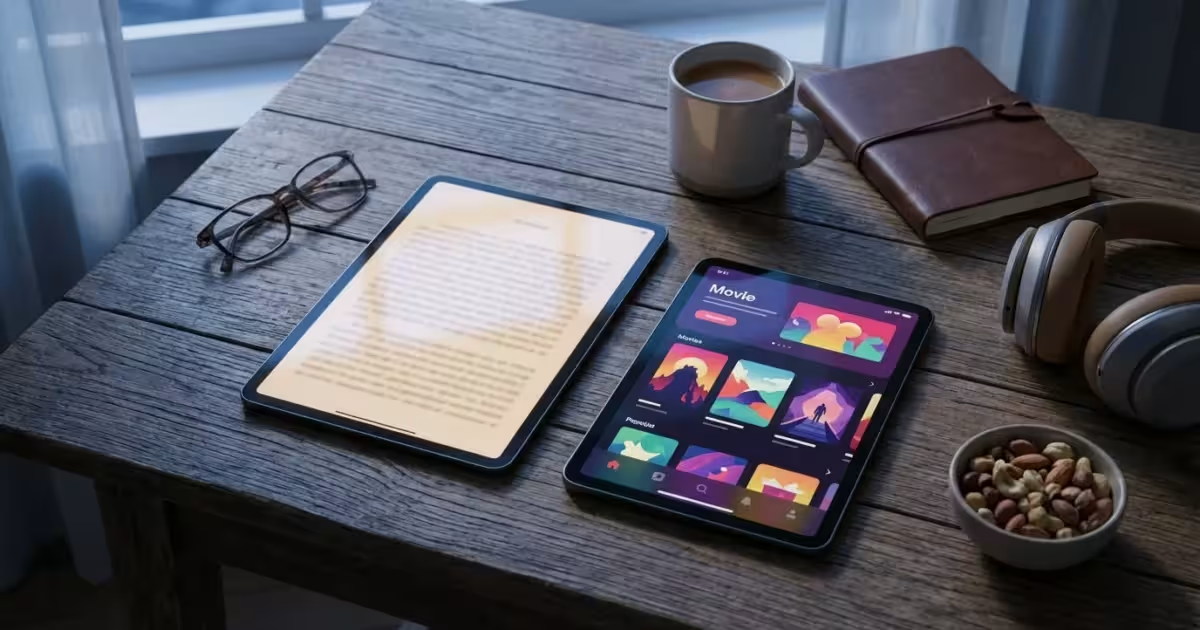
You define your own retirement. This era empowers you to embrace new possibilities, connect on your terms, and savor every moment. Technology stands as a powerful ally in designing this vibrant chapter. Tablets, in particular, offer an incredible gateway to digital convenience, bringing the world of reading, entertainment, and connection directly to your fingertips.
This guide helps you navigate the best tablets available today. We focus on devices that enhance your daily life, making reading more enjoyable and entertainment more accessible. Discover how these versatile gadgets support your modern, active lifestyle.
Why a Tablet is Essential for Your Modern Retirement
Modern retirement means staying engaged, connected, and endlessly curious. A tablet serves as a personal command center for your digital life, offering convenience and versatility. You access information, entertainment, and communication tools from virtually anywhere.
Pairing your tablet with modern smartwatches can create a fully integrated digital ecosystem for your health and communication.
If you are new to mobile devices, knowing where to find tech support for seniors can make the setup process much smoother.
Gone are the days when technology felt intimidating or exclusive. Today’s tablets feature intuitive interfaces, making them approachable for everyone. They open doors to new hobbies, learning opportunities, and seamless connections with loved ones. Embrace a device that truly enhances your independence and enjoyment.
Key Considerations When Choosing Your Ideal Tablet
Selecting the perfect tablet involves understanding your primary needs and preferences. Focus on characteristics that directly impact your reading and entertainment experiences. This approach ensures your new device truly complements your lifestyle.
If you’re using your device while traveling, it’s also helpful to look into choosing a fitness tracker to monitor your activity levels during your adventures.
Consider these vital factors as you explore your options:
- Screen Quality and Size: A high-resolution screen delivers crisp text and vivid images, crucial for reading and video. Screen size impacts portability and viewing comfort. Consider if you prefer a compact device for travel or a larger screen for home use.
- Battery Life: Longer battery life means less charging and more uninterrupted use. Look for tablets offering 10 hours or more of active usage. This is especially important for extended reading sessions or watching movies on the go.
- Ecosystem and Apps: Decide between Apple’s iOS/iPadOS, Google’s Android, or Amazon’s Fire OS. Each offers a unique app store with specific strengths. Apple boasts a vast, highly curated app selection, while Android provides greater customization. Amazon’s ecosystem integrates seamlessly with its content services.
- Storage Capacity: Your digital library of ebooks, downloaded movies, and apps requires adequate storage. Tablets typically offer 32GB, 64GB, 128GB, or more. Consider models with expandable storage via microSD cards if you plan to download extensively.
- Portability and Durability: If you travel frequently or read in various locations, a lightweight, sturdy tablet becomes paramount. Many brands offer protective cases, which further enhance durability and protect your investment.
- Budget: Tablets range significantly in price, from budget-friendly options to premium devices. Determine your comfort level and match features to your budget. You can find excellent value across all price points.
Top Tablets for Immersive Reading Experiences
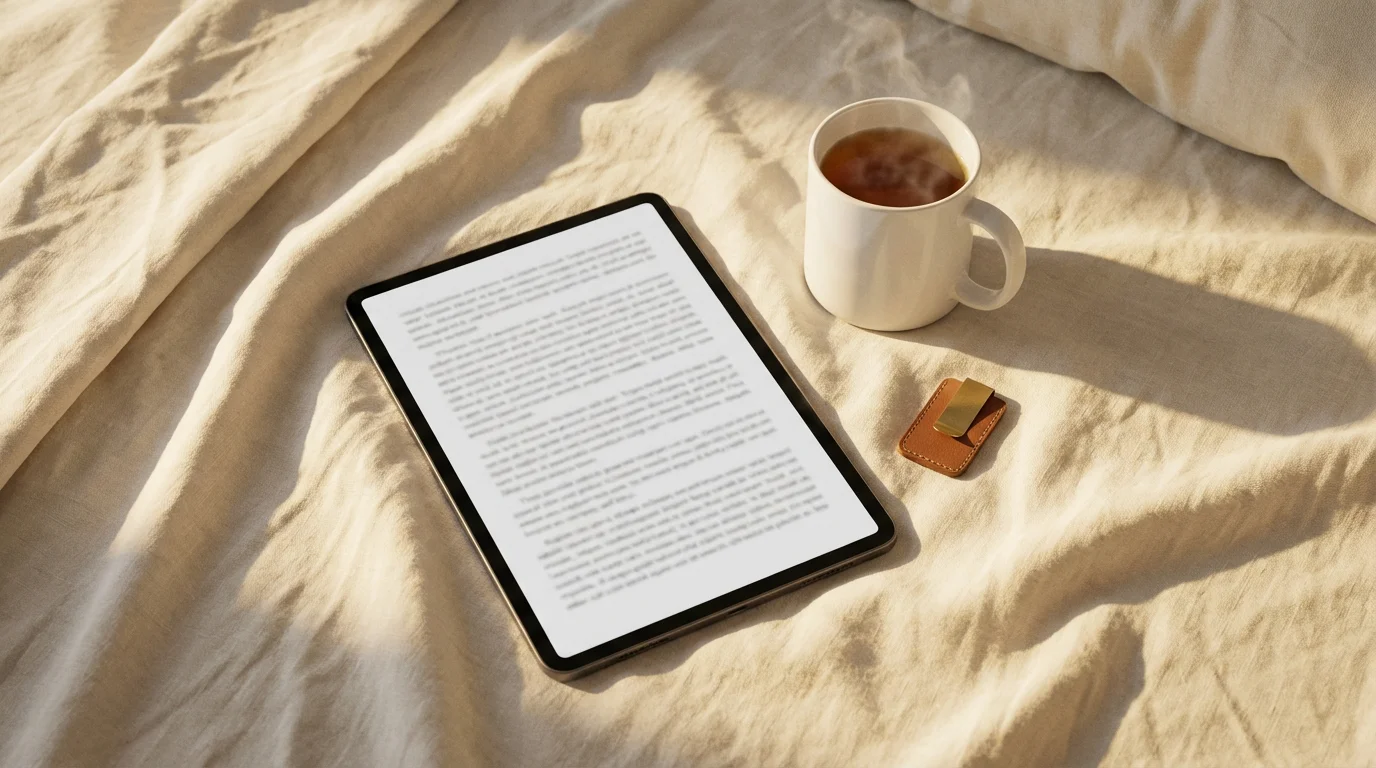
For many modern retirees, a tablet primarily serves as an advanced e-reader. The right device transforms your reading habits, offering access to countless books, magazines, and newspapers. You carry an entire library in one slim device, adjustable to your preferences.
Your choice here depends on whether you prioritize a dedicated, distraction-free reading experience or a versatile device that also handles other tasks.
Dedicated E-readers: The Ultimate Reading Focus
Dedicated e-readers, such as Amazon’s Kindle Paperwhite or Kindle Oasis, excel in providing a book-like experience. They use e-ink technology, which minimizes eye strain and offers excellent readability in direct sunlight. These devices are lightweight, boast exceptional battery life, often lasting weeks, and focus solely on reading. You download books directly, adjust font sizes effortlessly, and often enjoy built-in dictionaries.
* Pros:
- Superior glare-free screen for reading outdoors.
- Incredibly long battery life.
- Lightweight and comfortable for extended holding.
- Less eye strain due to e-ink technology.
* Cons:
- Limited functionality beyond reading ebooks.
- Black and white screen, not suitable for vibrant magazines or video.
Versatile Tablets for Reading and Beyond
If you desire a device that handles ebooks, web browsing, email, and light entertainment, a general-purpose tablet offers more flexibility. These devices feature vibrant LCD or OLED screens, making them suitable for colorful magazines and graphic novels. You switch seamlessly between your favorite novel and a video call with grandchildren.
Consider these excellent choices:
- Apple iPad Mini: This compact powerhouse offers a stunning Retina display, making text sharp and colors vibrant. Its small size fits easily into a bag, ideal for reading on the go. The iPadOS ecosystem provides access to millions of apps, including popular e-reading platforms like Kindle, Libby, and Apple Books.
- Samsung Galaxy Tab S Series (Smaller Models, e.g., S9 FE): Samsung’s tablets boast beautiful AMOLED displays with incredible contrast, perfect for both reading and media. They run Android, giving you vast customization options and a wide array of reading apps. The smaller models offer a balance of portability and screen real estate.
- Lenovo Tab M Series: For a more budget-conscious option that still delivers a great reading experience, Lenovo offers reliable Android tablets. These provide solid screens, decent battery life, and access to the full Google Play Store. You get excellent value without compromising core functionality.
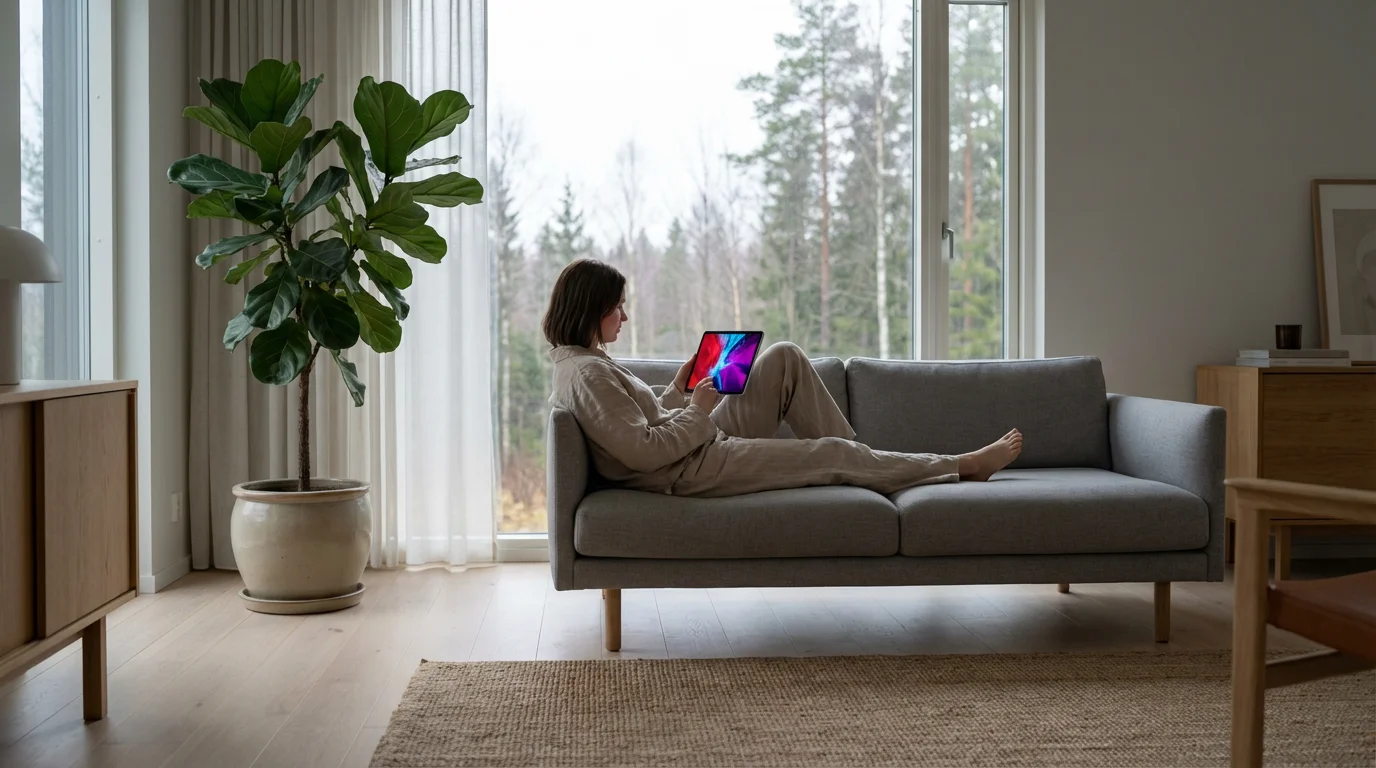
Unlocking Your Entertainment Universe
Tablets transform into personal entertainment hubs, bringing movies, music, games, and social connections right to you. You stream your favorite shows, explore new worlds through casual gaming, and connect with communities online. The versatility of these devices truly enhances your `digital entertainment` options.
These devices also serve as the perfect gateway for social media for seniors, helping you stay involved with family and friends.
Performance Powerhouses for Immersive Entertainment
For those who prioritize a premium entertainment experience, devices with powerful processors and high-quality displays are essential. These tablets handle demanding tasks, provide smooth video playback, and deliver rich audio. They are perfect for enjoying high-definition movies, graphic-rich games, and seamless video calls.
* Apple iPad Air or iPad Pro: These iPads set a high bar for performance and display quality. Their Liquid Retina or Liquid Retina XDR displays offer incredible clarity and color accuracy. With powerful chips, they effortlessly handle intensive apps, video editing, and advanced games. The App Store offers an unparalleled selection of entertainment content.
* Samsung Galaxy Tab S Series (Larger Models, e.g., S9, S9+): Samsung’s flagship tablets feature stunning Dynamic AMOLED 2X displays, providing vibrant colors and deep blacks that make movies and photos pop. Paired with powerful Snapdragon processors, they offer a truly immersive entertainment experience. Their larger screens are ideal for shared viewing or detailed media consumption.
Budget-Friendly Entertainment Hubs
You do not need to break the bank for excellent `digital entertainment`. Several tablets offer fantastic value, providing solid performance for streaming, casual gaming, and web browsing. These devices make quality entertainment accessible to everyone.
* Amazon Fire HD Tablets (e.g., Fire HD 10): Amazon’s Fire tablets are an outstanding choice for budget-conscious entertainment seekers. They integrate seamlessly with Amazon Prime Video, Music, and Kindle ecosystems. While running a customized version of Android, they provide access to a robust app store for popular streaming services. They offer impressive screen quality and battery life for their price point, making them ideal for media consumption.
* Google Pixel Tablet: The Pixel Tablet, when docked, transforms into a smart home hub, but undocked, it’s a solid Android tablet. It offers a clean Android experience, good performance, and Google’s excellent software integration. This tablet provides a balanced option for both general use and entertainment.
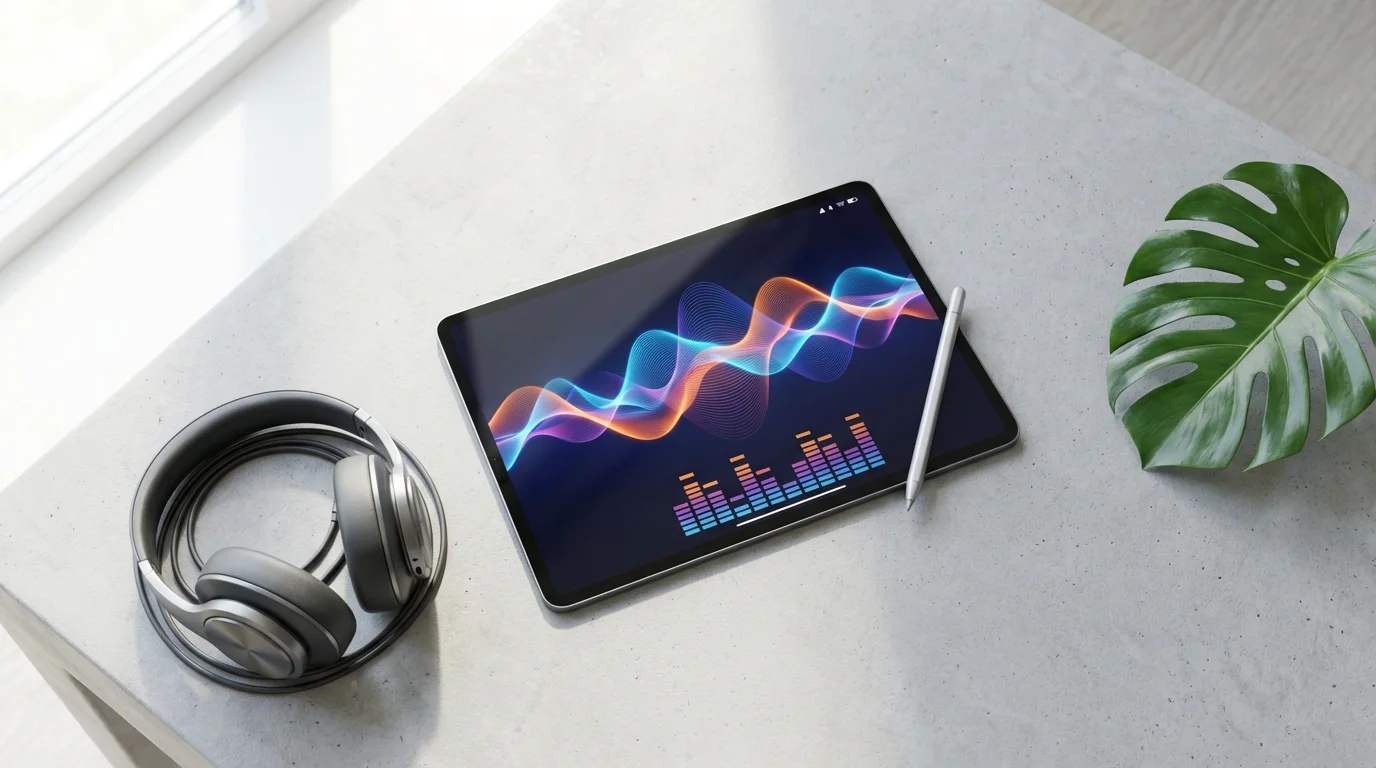
Beyond the Specs: Features That Enhance Your Digital Life
Choosing a tablet involves more than just core specifications. Look for features that enhance usability, accessibility, and overall enjoyment. These thoughtful additions elevate your daily interactions with your device. They make `choosing a tablet for reading ebooks` and watching movies even more personalized.
Beyond hardware features, learning to stay safe online is essential for a worry-free digital experience.
If you have specific vision requirements, exploring assistive technology for visual impairment can help you find additional tools to customize your display.
Here are key features that make a real difference:
- Accessibility Features: Modern tablets offer robust accessibility settings. These include adjustable text sizes, screen magnifiers, voice control, and dark mode for reduced eye strain. Familiarize yourself with these options to customize your viewing experience.
- Integrated Speakers and Headphone Jack: Quality stereo speakers enhance movie and music playback. A traditional 3.5mm headphone jack offers versatility for wired headphones, though many modern tablets now rely on Bluetooth for audio.
- Front-Facing Camera: Essential for video calls with family and friends. Look for a decent resolution camera (at least 5MP) for clear video quality.
- Stylus Support: Some tablets, especially higher-end models, support styluses like the Apple Pencil or Samsung S Pen. This feature transforms your tablet into a digital notebook or canvas, perfect for sketching, note-taking, or annotating documents.
- Family Sharing Options: If you plan to share your tablet or want to manage content for others, look for operating systems with robust family sharing features. This allows for shared app purchases and content libraries.
- Security Features: Fingerprint sensors or facial recognition provide quick, secure access to your device. These features protect your personal data and simplify the login process.

Maximizing Your Tablet’s Potential: Tips for Modern Retirees
A tablet is an investment in your modern lifestyle. Maximize its utility and enjoyment with a few smart practices. These tips help you get the most out of your device for reading, `digital entertainment`, and daily tasks.
By mastering your new device, you are actively staying connected and ensuring a vibrant, socially engaged retirement.
“Embrace technology to stay connected, informed, and entertained. It’s a tool for liberation, not a limitation.”
* Organize Your Apps: Create folders for similar apps, such as “Reading,” “Entertainment,” and “Communication.” This keeps your home screen clutter-free and makes finding apps easier.
* Adjust Display Settings: Customize brightness, text size, and color temperature for optimal viewing comfort. Use “Night Shift” (iOS) or “Eye Comfort Shield” (Android) features to reduce blue light in the evenings.
* Utilize Cloud Storage: Back up your photos, documents, and important files to cloud services like Google Drive, Dropbox, or iCloud. This frees up device storage and protects your data.
* Explore Free Content: Leverage public library apps like Libby or Hoopla to borrow ebooks and audiobooks for free. Many streaming services offer free tiers or trials, letting you sample content without commitment.
* Stay Secure: Keep your tablet’s operating system updated to the latest version for security patches and new features. Use strong, unique passwords and consider a VPN for public Wi-Fi.
* Join Online Communities: Discover forums or social media groups dedicated to your tablet model or specific interests. You gain valuable tips, troubleshooting advice, and connection with like-minded individuals.
Investing in Your Digital Well-being
Your tablet is more than an entertainment device; it is a tool for personal growth and connection. Research consistently shows the benefits of digital engagement for older adults. For example, a report from the Pew Research Center details how technology adoption among older adults enhances social connectedness and access to information. You unlock opportunities to learn new skills, manage your finances, or even pursue creative endeavors.
Embrace your device to connect with online learning platforms, explore virtual tours of museums, or pick up a new language. You maintain cognitive sharpness through brain-training apps and puzzles. A tablet truly empowers you to remain an active participant in an increasingly digital world. This proactive engagement strengthens your independence and enriches your modern retirement experience.
Frequently Asked Questions
Are tablets easy to use for someone new to technology?
Absolutely. Modern tablets, especially popular models like iPads and Amazon Fire tablets, feature highly intuitive touch interfaces. Manufacturers design operating systems with simplicity in mind, offering large icons and straightforward navigation. Many devices also provide accessibility options, such as larger text and simplified home screens, to enhance user experience.
What is the difference between a tablet and a dedicated e-reader like a Kindle?
The primary distinction lies in their purpose and screen technology. Dedicated e-readers use e-ink displays, mimicking paper for comfortable reading, particularly in bright sunlight, and boast weeks of battery life. They are optimized solely for ebooks. Tablets, conversely, use LCD or OLED screens, offering vibrant colors for videos, games, and web browsing, in addition to reading. They provide much broader functionality, but typically have shorter battery life and can exhibit glare outdoors.
Can I make video calls on a tablet?
Yes, almost all modern tablets come equipped with a front-facing camera, perfect for video calls. You can use popular apps like Zoom, FaceTime (on Apple devices), Google Meet, or WhatsApp to connect visually with family and friends. The larger screen of a tablet makes video conversations more immersive and enjoyable than on a smartphone.
How much storage do I need on my tablet?
Your storage needs depend on how you plan to use the tablet. If you primarily read ebooks and stream content, 32GB or 64GB might suffice, especially if you use cloud storage. However, if you plan to download many movies, games, or large apps, or store a significant photo library, consider 128GB or more. Some Android tablets also offer expandable storage via a microSD card slot.
Where can I find reliable reviews for tablets?
You access comprehensive and unbiased reviews from reputable technology publications. Sites such as CNET and The Verge provide in-depth analyses, comparisons, and user feedback on the latest tablet models. Consulting these resources helps you make an informed decision based on expert opinions and real-world testing.
Disclaimer: This article is for informational purposes. Technology, apps, and services mentioned may change over time. We encourage readers to research current options and consider their individual needs when making decisions.







Leave a Reply