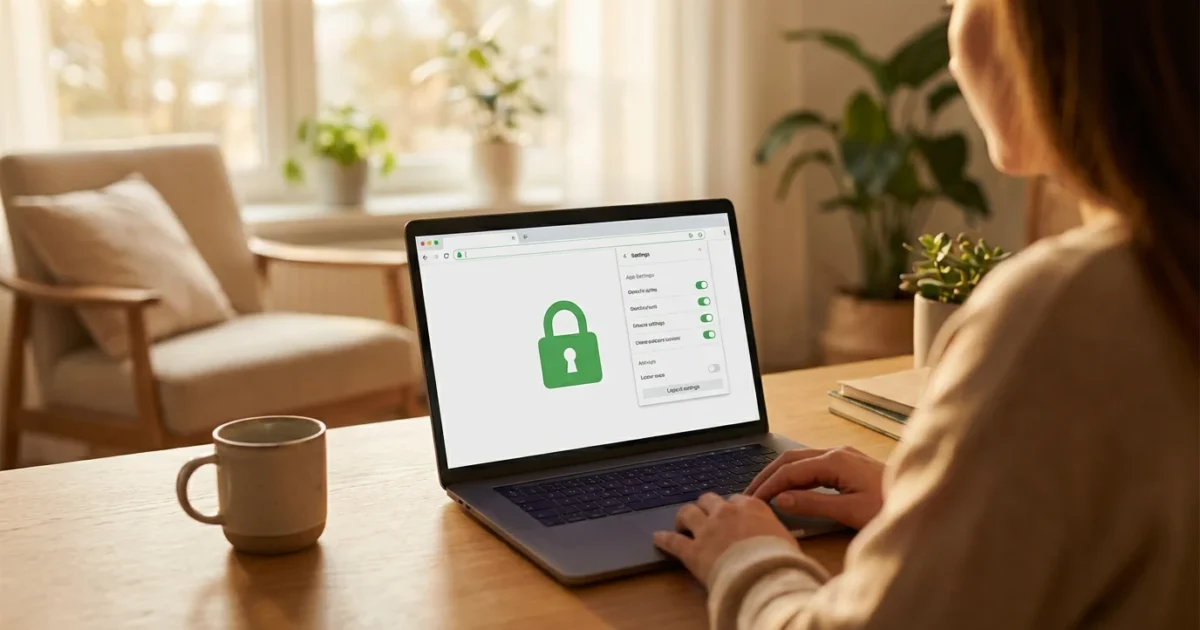
The modern retirement redefines freedom, connection, and opportunity. As you embrace new ventures, travel, learning, and staying connected with loved ones, technology serves as an indispensable tool. Whether you are managing finances, exploring new hobbies, or connecting with communities online, digital platforms offer unparalleled convenience. However, this vibrant digital landscape also brings a crucial responsibility: protecting your online privacy and ensuring your internet safety.
Understanding the principles of data security allows you to navigate the internet with confidence. You can enjoy all the benefits of connectivity without unnecessary risk. This guide empowers you with practical, actionable insights to secure your digital life, ensuring your personal information remains private while you continue to live your retirement on your terms.

The New Digital Landscape: Why Online Privacy Matters More Than Ever
Your digital footprint expands daily. From online shopping and banking to video calls with grandchildren and participating in interest groups, every interaction generates data. This data holds immense value, not just for the services you use, but also for those who might exploit it. For modern retirees, who are often managing significant assets and have a lifetime of personal information, protecting this data becomes paramount.
Ignoring online privacy risks can lead to identity theft, financial fraud, and emotional distress. You have worked hard for your financial security and personal peace of mind. Safeguarding your digital identity means preserving your autonomy and control over your personal narrative in this interconnected world. Protecting your information ensures you maintain independence and peace of mind as you embrace all the digital age offers.

Understanding Common Privacy Threats and How They Impact You
The first step toward robust data security involves recognizing the landscape of threats. Cybercriminals constantly evolve their tactics. Understanding these common privacy threats allows you to identify suspicious activity and react appropriately, making you a less attractive target.
Here are some prevalent online threats you should know:
- Phishing Scams: These are deceptive attempts to trick you into revealing personal information, such as passwords or credit card numbers. Phishing often arrives via email, text message, or even phone calls, impersonating legitimate organizations like banks, government agencies, or tech support. They might create urgent scenarios or offer enticing deals.
- Malware and Viruses: Malicious software, or malware, can infect your devices through infected downloads, email attachments, or compromised websites. Viruses, ransomware, and spyware can steal your data, disrupt your device’s operation, or lock you out of your own files.
- Identity Theft: Criminals use stolen personal information, such as your Social Security number, date of birth, or medical records, to open accounts, make purchases, or file fraudulent tax returns in your name. This can severely damage your credit and create significant legal headaches.
- Data Breaches: Major companies and organizations that store your data can suffer security breaches. While often beyond your direct control, understanding these risks encourages stronger personal security habits across all your online accounts.
- Public Wi-Fi Vulnerabilities: Unsecured public Wi-Fi networks in coffee shops or airports can be risky. Without proper encryption, criminals can intercept your data as it travels across the network.
Recognizing these tactics is your first line of defense. Always question unsolicited requests for personal information and verify the legitimacy of any communication before clicking links or downloading files.

Fortifying Your Digital Defenses: Essential Security Practices
Empowering yourself with strong digital defenses transforms your approach to online interactions. These fundamental practices form the bedrock of excellent internet safety. Implement them consistently across all your devices and accounts.
Maintaining a secure environment also involves organizing your online life by removing unnecessary accounts and data footprints.
Here are essential steps to secure your digital life:
- Create Strong, Unique Passwords: A robust password uses a combination of uppercase and lowercase letters, numbers, and symbols. It should be at least 12-16 characters long. Crucially, never reuse passwords across different accounts. If one account suffers a breach, criminals cannot access your other services. Use a reputable password manager like LastPass, 1Password, or Bitwarden to generate and securely store complex passwords, requiring you to remember only one master password.
- Enable Multi-Factor Authentication (MFA): MFA, also known as two-factor authentication (2FA), adds an extra layer of security. After entering your password, you verify your identity using a second method. This might involve a code sent to your phone, a fingerprint scan, or an approval prompt from an authenticator app like Google Authenticator or Authy. Even if someone steals your password, they cannot access your account without this second factor.
- Keep Software and Operating Systems Updated: Software updates often include critical security patches that fix vulnerabilities exploited by cybercriminals. Enable automatic updates for your computer’s operating system (Windows, macOS), web browsers (Chrome, Firefox, Safari), antivirus software, and all mobile apps. Running outdated software leaves you exposed.
- Use Reputable Antivirus and Anti-Malware Software: Install and maintain high-quality security software on all your devices, including computers and smartphones. Programs like Norton 360, McAfee Total Protection, or Bitdefender scan for threats, block malicious websites, and protect against ransomware. Regularly run full system scans.
- Be Skeptical of Unsolicited Communications: Always exercise caution with emails, texts, or phone calls requesting personal information or prompting urgent action. Verify the sender through official channels before responding. For example, if you receive an email from your bank with a suspicious link, do not click it. Instead, open your browser and navigate directly to your bank’s official website.
- Back Up Your Data Regularly: Should your device be compromised or fail, having recent backups ensures you do not lose important photos, documents, or other files. Use external hard drives or reliable cloud services like Google Drive, Dropbox, or iCloud for automated backups.
These proactive measures significantly reduce your risk of falling victim to common online threats. You take control of your data security and protect your valuable digital assets.

Navigating Social Media and Online Communities Safely
Social media platforms like Facebook, Instagram, and LinkedIn offer fantastic ways to connect with friends, family, and communities of interest. However, sharing aspects of your life online requires careful consideration of your online privacy settings. Over-sharing can create vulnerabilities for identity theft or targeted scams.
Take these steps to manage your social media presence:
- Review and Adjust Privacy Settings: Most platforms offer granular control over who sees your posts, photos, and personal information. Regularly review these settings. Opt for the most restrictive privacy settings available, limiting your posts to “Friends Only” or “Private” audiences rather than “Public.”
- Limit Personal Information on Your Profile: Avoid posting sensitive details like your full birthdate, home address, phone number, or detailed travel plans. These pieces of information can be pieced together by criminals for identity theft. Even seemingly innocuous details, like your mother’s maiden name or your pet’s name, can be used to answer security questions.
- Think Before You Share: Consider the long-term implications of anything you post. Information shared online can persist indefinitely, even if you delete it later. Avoid discussing financial matters or making public complaints about sensitive topics.
- Be Wary of Friend Requests and Messages from Strangers: Scammers often create fake profiles to gain trust and extract information. If you do not know someone, do not accept their friend request. Be especially cautious of messages asking for money or personal details, even if they appear to come from someone you know, as accounts can be hacked.
- Understand Geo-tagging: Many apps automatically add your location to photos and posts. Disable geo-tagging if you do not want your exact whereabouts shared publicly.
Your social media presence should enhance your life, not expose it to undue risk. Take charge of what you share and with whom you share it.

Smart Devices and the Connected Home: Privacy Considerations
The modern home often features smart devices, from intelligent thermostats and security cameras to voice assistants like Amazon Alexa or Google Home. These devices offer convenience and enhance daily living. However, they also collect data about your habits, preferences, and even conversations. Ensuring the privacy of these devices is crucial for a truly secure connected home.
Many homeowners are now integrating fall prevention technology into their smart ecosystems, which requires a balance between constant monitoring and personal privacy.
Consider these actions for your smart home devices:
- Change Default Passwords: Immediately change the default usernames and passwords on all new smart devices and your home Wi-Fi router. Manufacturers often use generic, easily guessed credentials. Use strong, unique passwords for these, as you would for any other online account.
- Understand Data Collection: Read the privacy policies of smart devices before purchasing them. Understand what data they collect, how they use it, and whether you can opt out of certain data sharing. For instance, voice assistants record snippets of commands.
- Adjust Privacy Settings on Voice Assistants: Most voice assistants allow you to review and delete past recordings and adjust privacy settings. For example, you can often disable features that allow third-party access to your data or restrict how your voice commands are stored. Regularly check these settings within the companion app for your device.
- Secure Your Home Wi-Fi Network: Your Wi-Fi network acts as the gateway for all your smart devices. Secure it with a strong password (WPA2 or WPA3 encryption is ideal). Consider creating a separate “guest” network for visitors and smart devices that do not need to access your main network, further segmenting your home network for improved data security.
- Disable Unused Features: If a smart device has a microphone or camera feature you do not use, disable it in the settings. This reduces potential points of vulnerability and unnecessary data collection.
Smart technology should serve you, not compromise your privacy. A thoughtful approach ensures your connected home remains both convenient and secure.
Protecting Your Financial and Health Information Online
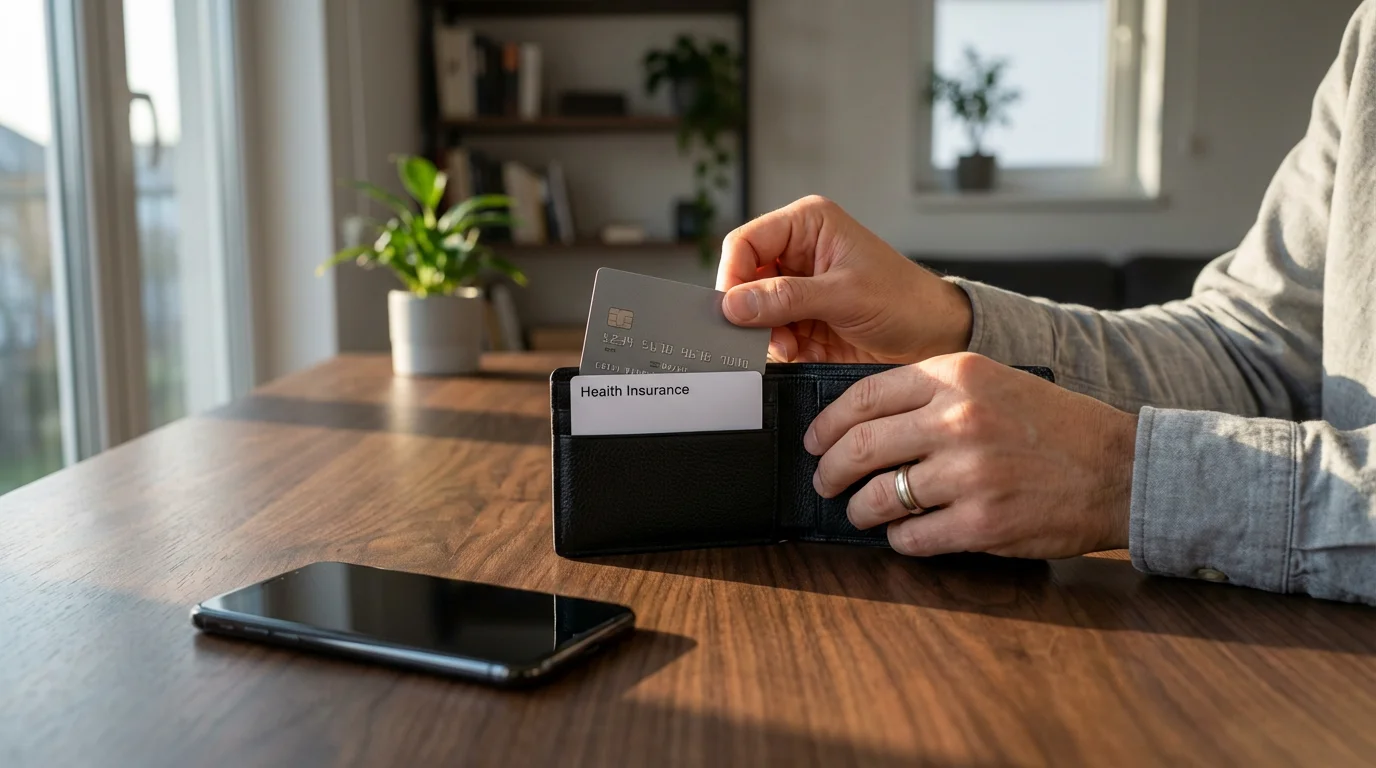
Your financial and health records represent some of your most sensitive personal data. Online banking, investment platforms, and telehealth services offer tremendous convenience, but they demand the highest level of vigilance. A breach in these areas can have profound and lasting consequences.
Furthermore, ensuring your privacy while navigating health apps and wearable devices prevents your sensitive biometric data from being misused.
When managing your medical history online, it is essential to learn how to safely access and manage your digital health records.
Be especially vigilant when accessing and managing your medical information to ensure your private health history remains confidential.
Implement these strategies to safeguard your most sensitive data:
- Use Official Apps and Websites for Financial Transactions: Always access your bank, investment accounts, and health portals directly through their official apps or by typing the website address into your browser. Never click on links in emails or texts purporting to be from these institutions, as these are common phishing tactics. Look for “https://” in the URL and a padlock icon, indicating a secure connection.
- Monitor Your Accounts Regularly: Review your bank statements, credit card transactions, and credit reports frequently. Report any suspicious activity immediately to your financial institution. Many banks offer alerts for unusual activity. Consider using free annual credit reports from sites like AnnualCreditReport.com to check for unauthorized accounts.
- Set Up Transaction Alerts: Most banks and credit card companies allow you to set up alerts for transactions exceeding a certain amount, international purchases, or online spending. These notifications provide immediate awareness of any potentially fraudulent activity.
- Be Cautious with Online Health Information: When using telehealth services or patient portals, ensure they are encrypted and secure. Be mindful of what medical information you share in public forums or through less secure communication channels. Understand that while HIPAA protects your medical information with healthcare providers, it may not extend to fitness trackers or consumer health apps, as noted by organizations like Harvard Health.
- Shred Documents: Do not just throw away sensitive paper documents. Shred bank statements, credit card offers, and other papers containing personal information before discarding them, preventing dumpster diving identity theft.
Your financial and health well-being hinges on robust digital protection. Proactive monitoring and cautious online habits are your strongest allies.

Tools and Resources for Enhanced Online Privacy
The digital world offers a plethora of tools designed to enhance your online privacy and data security. Integrating these into your routine significantly elevates your internet safety. These resources provide additional layers of protection, making it harder for malicious actors to access your information.
In addition to security tools, exploring a curated list of essential apps for the modern retiree can help you find services that prioritize user safety and data protection.
Consider incorporating these tools and practices:
- Virtual Private Networks (VPNs): A VPN encrypts your internet connection, creating a secure tunnel for your data. This is especially useful when using public Wi-Fi, as it prevents others from snooping on your online activity. Reputable VPN services include ExpressVPN, NordVPN, and ProtonVPN. CNET often reviews these services, providing insights into their features and security protocols.
- Encrypted Messaging Apps: For sensitive conversations, use messaging apps that offer end-to-end encryption. This means only the sender and receiver can read the messages. WhatsApp, Signal, and Telegram (with secret chats enabled) are popular choices that prioritize your communication privacy.
- Privacy-Focused Browsers and Search Engines: Browsers like Brave or Firefox focus on blocking trackers and enhancing your privacy. Search engines like DuckDuckGo offer private search results, meaning they do not track your search history or personalize ads based on your queries.
- Email Security: Be cautious with free email services that may scan your emails for advertising purposes. For enhanced security, consider services like ProtonMail, which offers end-to-end encrypted email. Never click on suspicious email attachments or links.
- Ad Blockers and Tracking Protection: Browser extensions like uBlock Origin or Privacy Badger block intrusive ads and prevent websites from tracking your online behavior across different sites. These tools enhance your browsing experience and reduce data collection.
Leverage these tools to create a more private and secure online environment. They represent an active choice to protect your digital footprint.

Staying Informed: Your Ongoing Role in Internet Safety
The digital landscape constantly evolves. New threats emerge, and new tools develop to combat them. For modern retirees, staying informed is not a chore, but an essential part of maintaining excellent internet safety and embracing the digital future confidently. Your ongoing vigilance and willingness to learn are crucial assets.
Here are ways to stay ahead of the curve:
- Follow Reputable Tech News Sources: Websites like The Verge, CNET, and Wired provide up-to-date information on cybersecurity trends, new privacy tools, and significant data breaches. Regularly reading these sources keeps you informed about emerging threats.
- Engage with Cybersecurity Resources: Organizations like the AARP often offer resources and guides on online safety tailored for older adults. Government agencies, such as the Federal Trade Commission (FTC), also provide valuable information on common scams and how to report them.
- Attend Online Webinars and Workshops: Many libraries, community centers, and online platforms offer free webinars on internet safety and digital literacy. These can provide hands-on learning and answer specific questions you might have.
- Discuss with Your Network: Share information and discuss online safety with friends and family. A collective awareness strengthens everyone’s defenses. If a friend tells you about a new phishing scam they encountered, you gain valuable insight.
- Regularly Review Your Practices: Periodically revisit your security settings on social media, smart devices, and online accounts. Ensure they still align with your comfort level for online privacy. Technology evolves, and so should your protective measures.
Your retirement is a time for growth and discovery. By staying informed about data security and online privacy, you empower yourself to explore the digital world safely and confidently, without fear.
Frequently Asked Questions
What is the most important step I can take to protect my online privacy?
The single most impactful step you can take is to use strong, unique passwords for every online account and enable multi-factor authentication (MFA) wherever it is available. This combination significantly reduces the risk of unauthorized access, even if your password is stolen.
How can I tell if an email is a phishing scam?
Look for generic greetings, urgent or threatening language, spelling and grammar errors, and suspicious links. Hover over links without clicking to see the true destination URL. Always verify the sender’s email address. If in doubt, navigate directly to the official website of the organization instead of clicking links in the email.
Are smart home devices safe to use?
Yes, smart home devices offer convenience, but require active management of your data security. Change default passwords, review privacy settings in their companion apps, and secure your home Wi-Fi network. Understand what data they collect and how it is used.
Should I use a VPN?
A Virtual Private Network (VPN) encrypts your internet traffic, providing an extra layer of online privacy, especially when you use public Wi-Fi networks. It masks your IP address, making your online activity harder to track. Consider using a reputable VPN service for enhanced internet safety.
What should I do if I suspect my identity has been stolen?
Immediately contact your bank, credit card companies, and other financial institutions. Report the theft to the Federal Trade Commission (FTC) at IdentityTheft.gov and consider placing a fraud alert or freeze on your credit reports with the three major credit bureaus (Equifax, Experian, TransUnion).
Disclaimer: This article is for informational purposes. Technology, apps, and services mentioned may change over time. We encourage readers to research current options and consider their individual needs when making decisions.









Leave a Reply