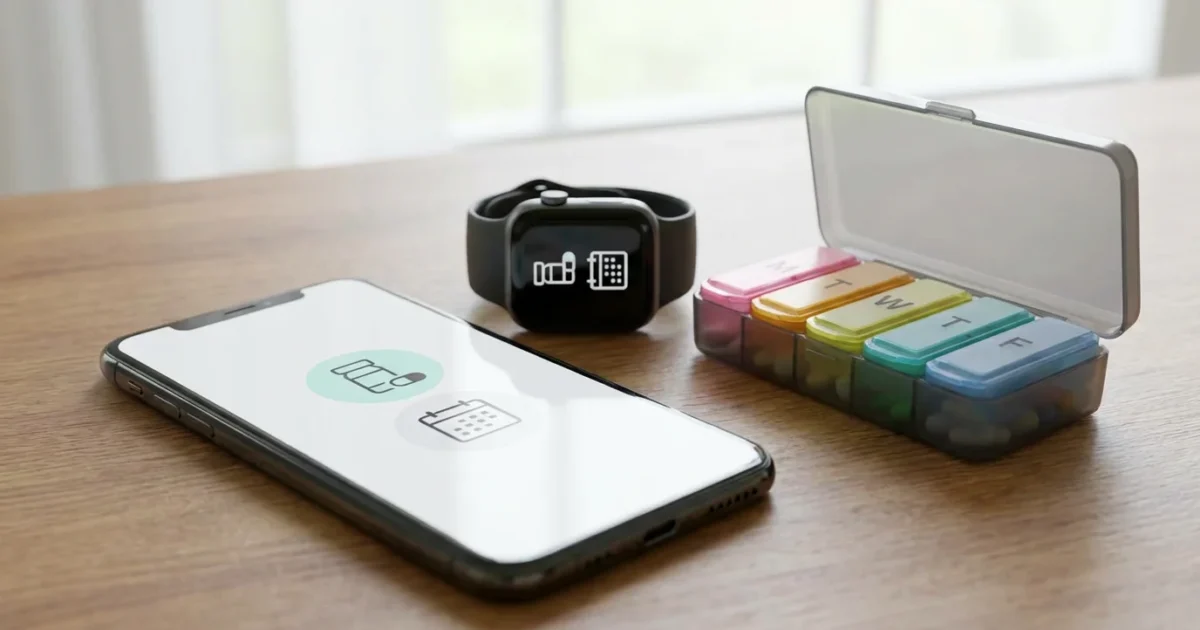
Today’s retirement defies old stereotypes. You embrace technology, design your ideal lifestyle, and redefine what this stage of life truly means. Modern living demands proactive management of your well-being, and digital tools offer powerful solutions. Health apps empower you to take control of your medication schedules and doctor visits, making health management seamless and stress-free.
Gone are the days of paper calendars and missed doses. You leverage innovation to stay organized, informed, and connected to your health journey. This guide explores the best health apps, transforming how you approach medications and appointments.

Embracing Digital Health for a Modern Retirement
Your retirement is active, engaged, and full of possibilities. You manage investments, plan travel, and connect with loved ones across the globe. Integrating health apps into this tech-savvy lifestyle is a natural progression. These tools offer convenience, accuracy, and peace of mind.
Using these tools proactively can also assist in managing future healthcare costs by helping you stay on top of preventative care.
Just as you might use modern budgeting apps to monitor your retirement funds, health apps allow you to track your physical well-being with the same precision.
Modern retirees understand that proactive health management supports an independent and fulfilling life. Digital solutions provide precision that traditional methods often lack. You gain greater command over your daily health routines.
Why Digital Medication Management Matters Now
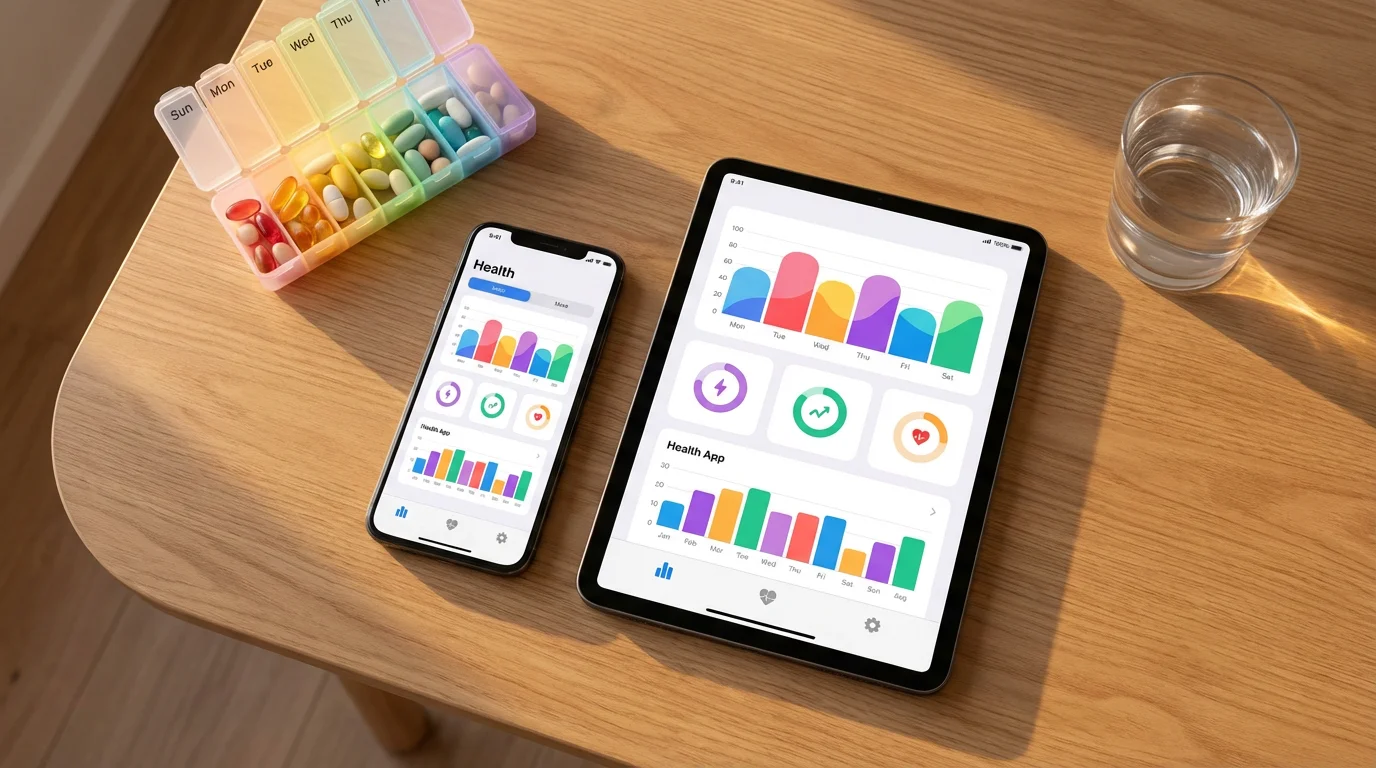
Managing multiple medications can become complex. Forgetting a dose or taking the wrong one impacts your health and overall well-being. Digital medication reminders significantly reduce these risks. Data from various studies consistently show that reminder systems improve medication adherence.
Consistency is key when designing a retirement routine that allows you to focus on travel and hobbies rather than logistics.
Health apps provide features beyond simple alarms. They track doses, log side effects, and offer insights into your adherence patterns. This allows you and your healthcare providers to make more informed decisions about your treatment. You gain a powerful ally in your personal health regimen.
The shift towards telehealth and digital health records further emphasizes the importance of these tools. You interact with your doctors in new ways, and your personal health data becomes more integrated. According to AARP, digital tools empower older adults to manage health conditions and maintain independence.
Top Picks: Medication Reminder and Tracking Apps
Finding the best health apps for medication reminders and tracking involves considering your specific needs. Many excellent options exist, offering diverse features and user interfaces. Here are some highly-rated choices that help you manage prescriptions with apps effectively.
- Medisafe: This widely popular app offers robust medication reminders for all your prescriptions. You set schedules, receive visual and audible alerts, and track when you take each pill. Medisafe provides drug interaction warnings and allows family members to sync accounts, offering support for loved ones. Its intuitive design makes it easy for tech-comfortable users to navigate.
- MyTherapy: More than just a reminder, MyTherapy helps you track your entire health journey. It provides reminders for medications, measurements like blood pressure or glucose, and activities. The app generates comprehensive health reports you can share with your doctor, giving them a clear picture of your adherence and trends.
- Pill Reminder by MedHelper: This app focuses on simplicity and reliability. You input your medications, set custom schedules, and receive timely alerts. It also includes a refill reminder feature, ensuring you never run out of essential prescriptions. Many users praise its straightforward interface and consistent performance.
- CareZone: While CareZone offers medication reminders, its strength lies in comprehensive health organization. You can scan pill bottle labels to automatically add medications, track symptoms, and store important health information. It creates a centralized digital hub for all your medical details, accessible even offline.
- Dosecast: For those requiring highly customized dosing schedules, Dosecast is an excellent choice. It handles complex regimens, including variable doses, as-needed medications, and even doses taken only on certain days. Its flexibility ensures it adapts to almost any prescription requirement.
When choosing which health apps are best for your medication needs, prioritize ease of use, reliability of reminders, and any additional features that benefit your routine. Consider free versions to test functionality before committing to a paid subscription, if applicable.
Streamlining Your Calendar: Top Appointment Scheduling Apps
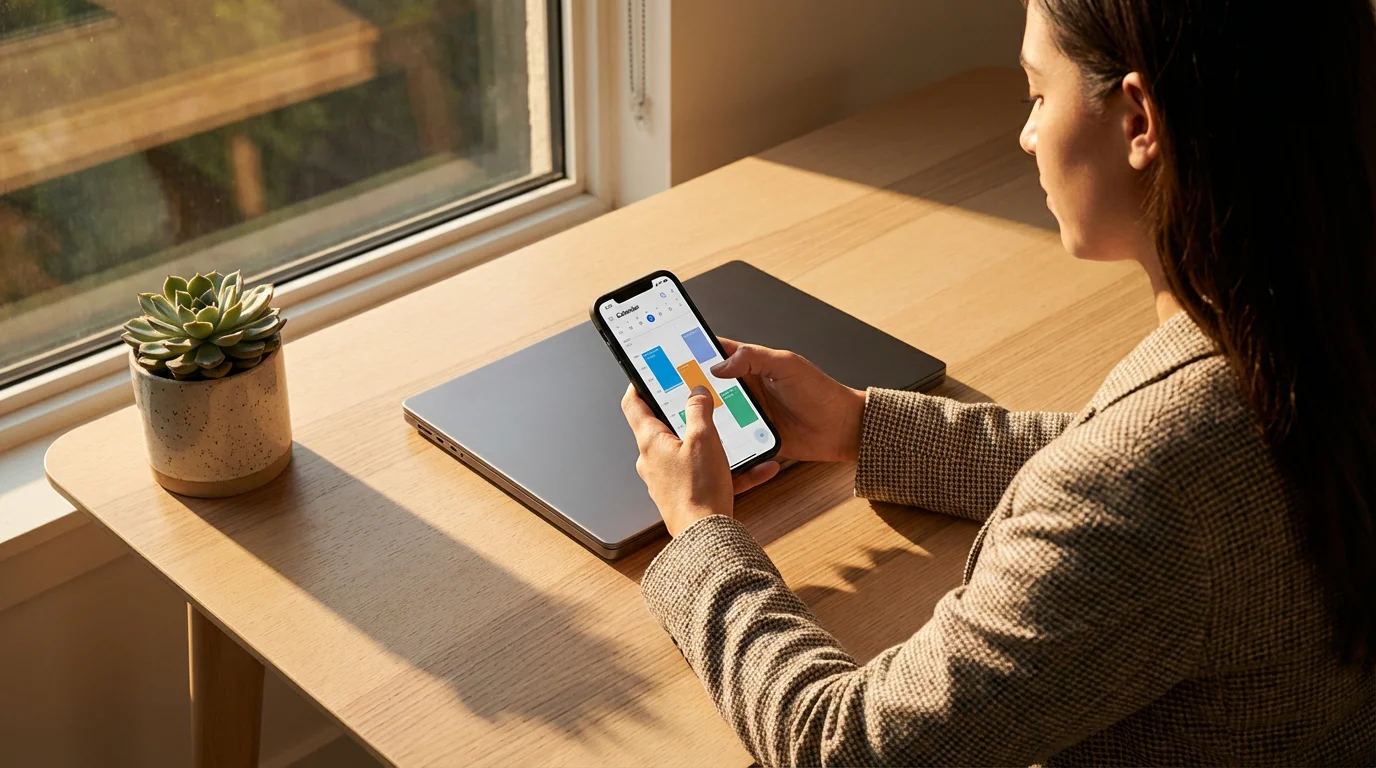
Beyond medications, managing your healthcare appointments is crucial. Missed appointments lead to delays in care and inconvenience. Appointment scheduling apps ensure you arrive on time and prepared for every visit. These tools integrate seamlessly with your digital life.
- Google Calendar: A ubiquitous and powerful tool, Google Calendar offers excellent appointment management. You easily create events, set multiple reminders, and invite others. Its integration with Gmail and other Google services makes it incredibly convenient. You can color-code medical appointments for quick visual identification.
- Apple Calendar: For iPhone and iPad users, Apple Calendar provides a native, integrated solution. It syncs across all your Apple devices, ensuring your schedule is always current. You set location-based alerts and add notes about specific appointments, like questions for your doctor.
- Fantastical: This premium calendar app offers advanced natural language input, allowing you to create events by simply typing “doctor appointment next Tuesday at 10 AM.” It integrates with other calendar services and provides a clean, user-friendly interface with powerful features for managing complex schedules.
- MyChart (and similar patient portals): While not a standalone scheduling app, many healthcare systems use patient portals like MyChart. These portals often allow you to directly schedule appointments with your providers, view upcoming visits, and even check in digitally. You consolidate communication and scheduling within your provider’s system.
- Calendly: Though often used for professional scheduling, Calendly can also help with personal appointments, especially if you coordinate care with family or caregivers. You set your availability, and others can book slots. This simplifies the back-and-forth of finding a mutually convenient time.
The best health apps for appointment scheduling often integrate with other digital tools you already use. Look for features like recurring appointments, easy rescheduling, and the ability to add notes or attachments to each event. This helps you stay organized for consultations, screenings, and follow-ups.
Beyond Reminders: Apps for Comprehensive Health Management
Some health apps go beyond basic medication reminders and appointment scheduling. They offer a holistic approach to your well-being, integrating various aspects of health tracking and management. You gain deeper insights into your physical and mental state.
Many of these platforms also provide tools to help you understand complex medical reports and terminology.
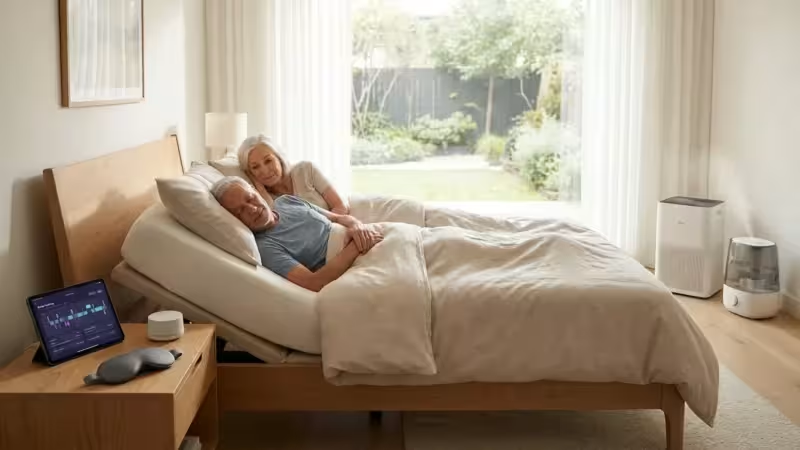
Additionally, many active retirees are turning to specialized tech solutions for better sleep to ensure their recovery matches their daily activity levels.
These comprehensive tools help you monitor key health indicators, maintain fitness routines, and even connect with telehealth services. They represent a significant leap forward in personal health empowerment.
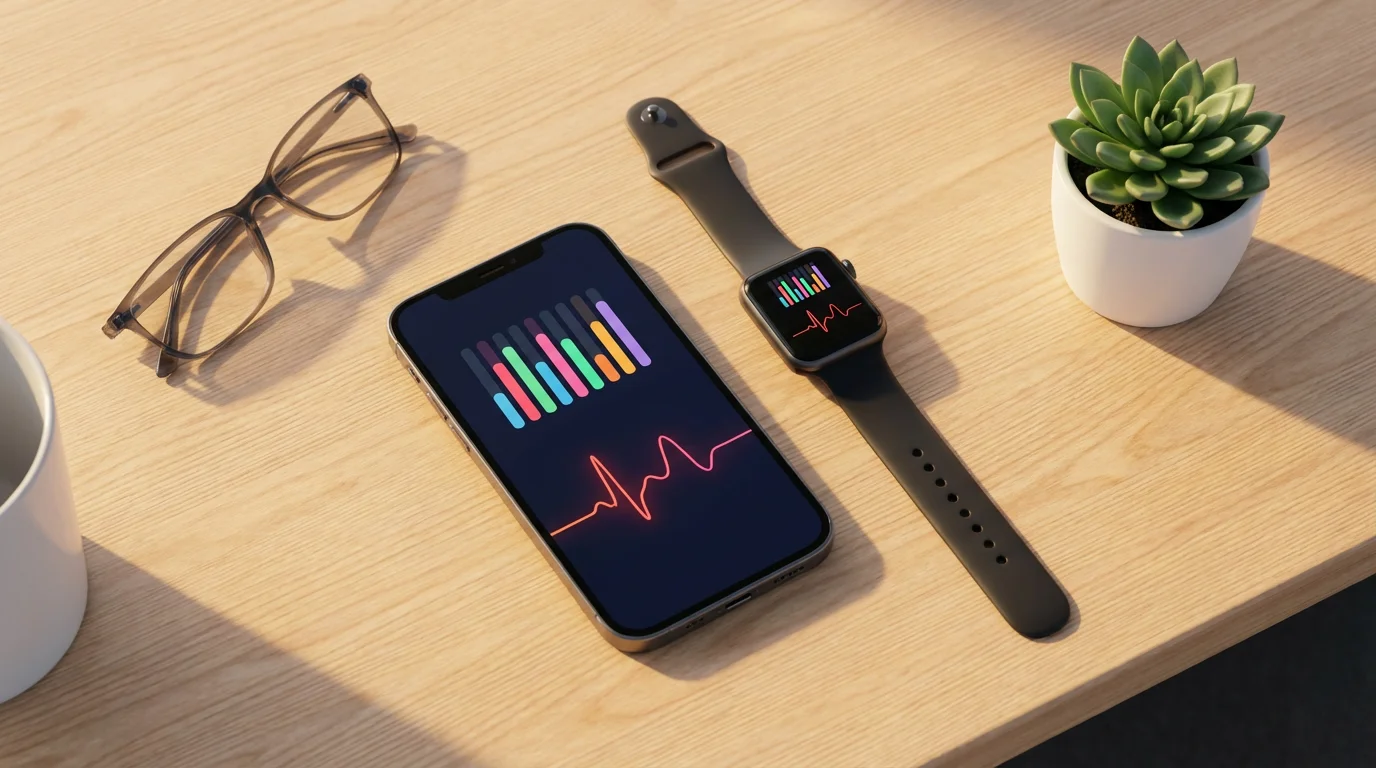
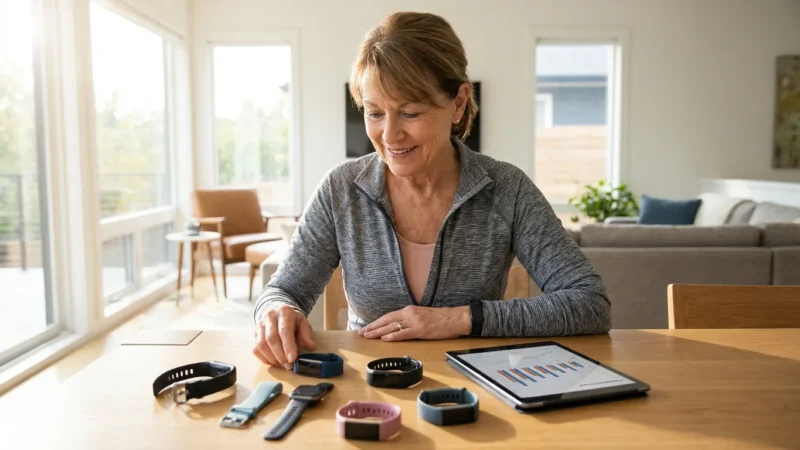
- Fitness Trackers and Companion Apps: Devices like Apple Watch, Fitbit, or Garmin integrate with their own apps to track activity, heart rate, sleep, and sometimes even ECG. These apps often allow you to log food, water intake, and exercise, creating a full picture of your physical health.
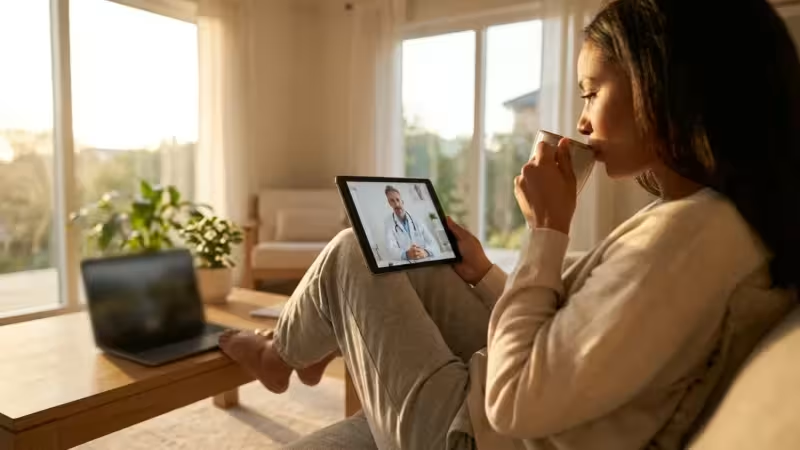
- Telehealth Platforms: Apps from services like Teladoc or Amwell connect you directly with doctors for virtual consultations. You often schedule appointments, receive prescriptions, and discuss health concerns without leaving home. This convenience proves invaluable for managing non-emergency issues.
- Mental Wellness Apps: Tools like Calm or Headspace offer guided meditation, sleep stories, and mindfulness exercises. These apps contribute to your overall well-being, helping reduce stress and improve mental clarity. They play a vital role in a balanced health strategy.
- Symptom Trackers: Apps like Ada Health or WebMD Symptom Checker provide general health information and help you track symptoms over time. While not a substitute for professional medical advice, they can assist in preparing for doctor visits with organized symptom logs.
Integrating these broader health apps enhances your proactive approach to well-being. You develop a more complete understanding of your health data. This holistic view strengthens your ability to advocate for your own care.
“The best way to predict the future is to create it.” — Peter Drucker
This sentiment perfectly captures the spirit of modern retirees who actively shape their health and lifestyle through innovative tools and forward-thinking choices.
Choosing the Right Health App for Your Needs
With so many options, selecting the best health apps requires careful consideration. Your individual preferences, technology comfort level, and specific health requirements guide your choice. Do not feel overwhelmed; break down your decision into practical steps.
Finding the right balance of tools is part of a broader digital decluttering strategy to keep your smartphone focused on what matters most.
Consider the following factors to make an informed decision:
- Ease of Use: The app must have an intuitive interface. If an app feels complicated or frustrating, you will not use it consistently. Look for clear navigation and simple input methods.
- Reliability: For medication reminders, reliability is paramount. The app must deliver alerts consistently and on time. Read reviews for reports on notification consistency.
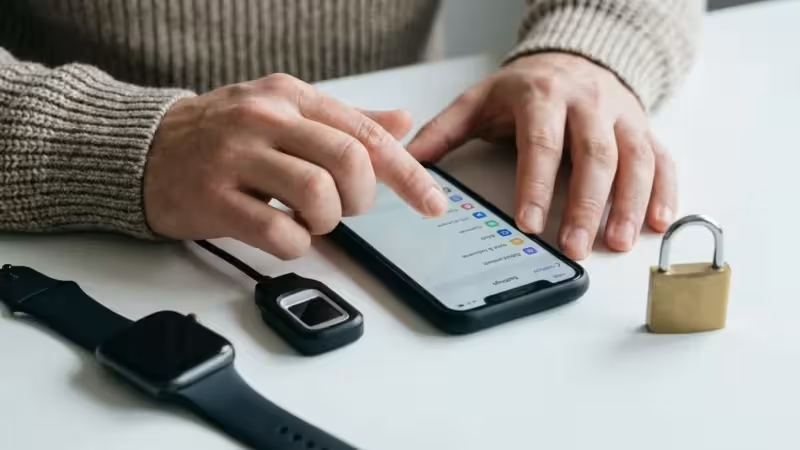
- Privacy and Security: Your health data is sensitive. Ensure the app adheres to strong privacy policies and robust security measures. Research how they protect your information. Consumer Reports often provides insights into app privacy standards, for example.
- Features: Do you only need medication reminders, or do you require blood pressure tracking, refill alerts, or family syncing? Match the app’s features to your exact needs.
- Cost: Many apps offer free versions with basic features and premium subscriptions for advanced functionalities. Determine if the free version suffices or if a paid upgrade provides enough value.
- Device Compatibility: Ensure the app works seamlessly across your preferred devices, whether an iPhone, Android phone, tablet, or even a smart speaker.
- Customer Support: Good customer support helps resolve issues quickly. Check if the app developer offers accessible support channels.
Trialing a few apps with free versions allows you to experience their interface and functionality firsthand. You often discover which app aligns best with your daily routine and preferences through practical use. This proactive approach ensures you find solutions that truly work for you.
Tips for Seamless Integration of Health Apps into Your Life
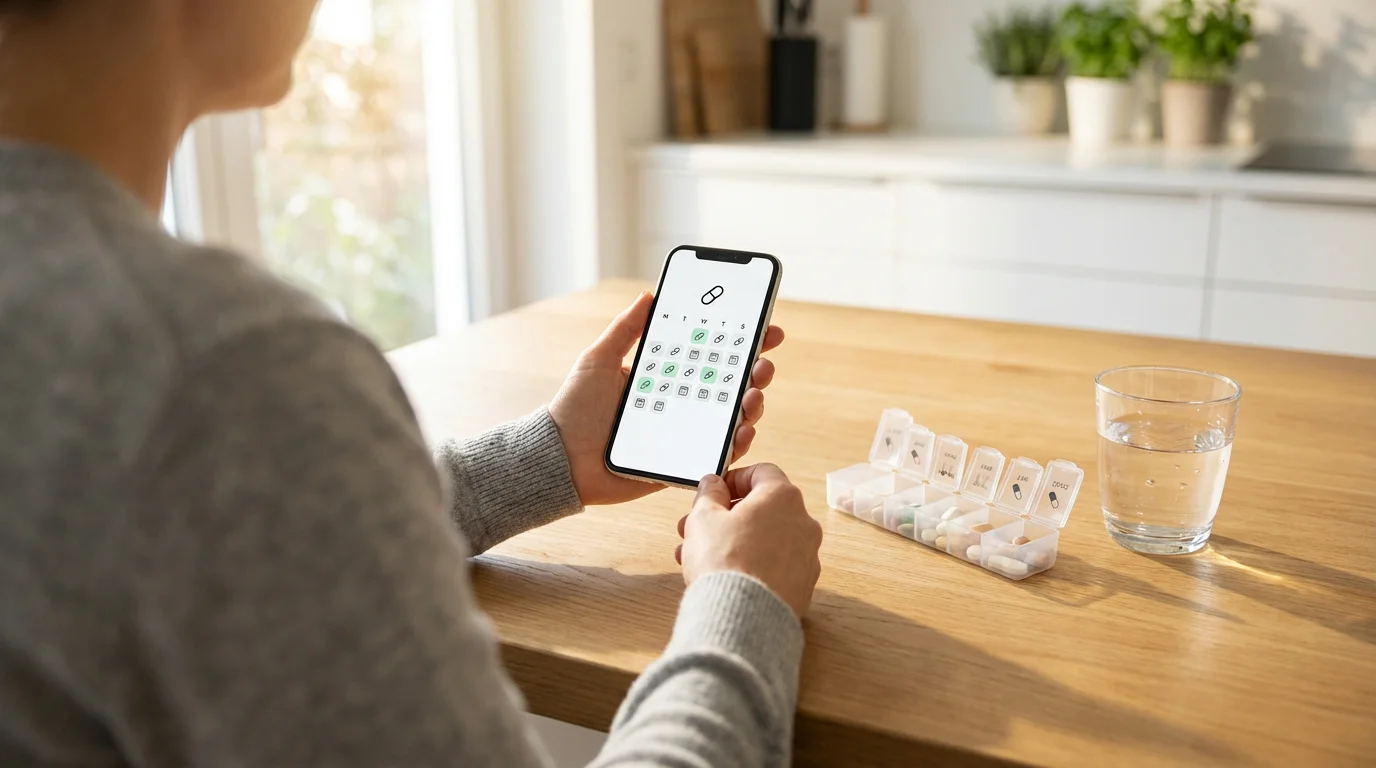
Adopting new technology works best with a strategic approach. You ensure these health apps become valuable assets rather than additional tasks. Here are practical tips for integrating them smoothly into your modern retirement lifestyle.
- Start Small: Do not try to implement five new apps simultaneously. Choose one or two essential apps first, master them, and then gradually add others as needed. This prevents overwhelm and builds confidence.
- Customize Alerts: Tailor notification sounds, vibrations, and frequency to your preferences. A distinct sound for medication reminders helps differentiate them from other phone alerts. Personalization enhances effectiveness.
- Involve Your Healthcare Team: Inform your doctors and pharmacists about the apps you use. Some apps generate reports that your medical team can review, providing a more complete picture of your adherence and health trends.
- Regularly Review and Update: Periodically check your app settings, medication lists, and appointment schedules. Ensure everything remains accurate and up-to-date. App developers frequently release updates, improving features and security.
- Utilize Syncing Features: If an app offers cloud syncing, enable it. This protects your data if you lose or upgrade your device. It also allows you to access your information across multiple devices.
- Keep Your Devices Charged: Health apps only work when your smartphone or tablet has power. Make charging your devices a routine, ensuring your reminders and information are always available.
Implementing these strategies helps you maximize the benefits of health apps. You establish consistent routines, empowering you to maintain your health with greater ease and efficiency. This proactive approach aligns perfectly with a modern, self-directed retirement.
The Future of Digital Health and Your Well-being
The landscape of digital health continues to evolve rapidly. You stand at the forefront of this transformation, ready to embrace the next wave of innovation. Emerging technologies promise even more personalized and integrated health solutions.
Imagine AI-powered assistants proactively suggesting medication adjustments based on real-time biometric data. Consider wearable devices that seamlessly communicate with your doctor, detecting subtle changes in your health before they become serious issues. According to MIT AgeLab, technology will continue to play a pivotal role in enabling older adults to live independently and maintain their quality of life.
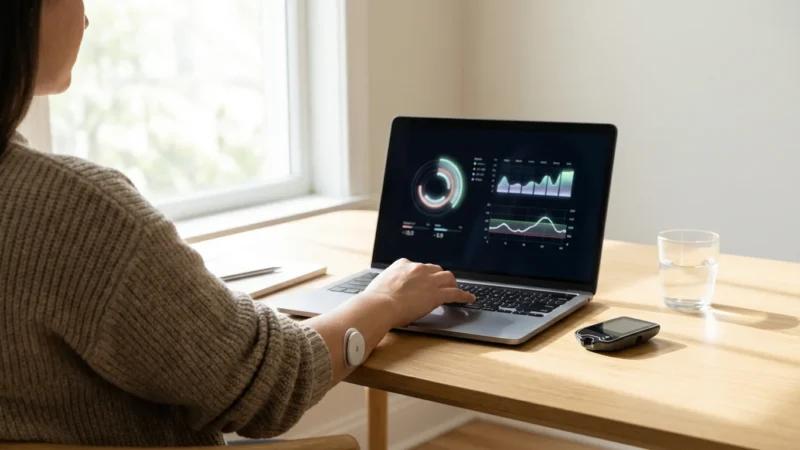
The future of digital health involves greater integration of all your health data. From genomic insights to continuous glucose monitoring, your health profile will become a comprehensive, dynamic resource. You will have unprecedented tools to optimize your well-being.
Your willingness to adopt new technologies positions you perfectly to benefit from these advancements. By using today’s best health apps, you build the foundation for an even healthier, more connected future. You are not just adapting to change; you are actively shaping your health journey for years to come.
Frequently Asked Questions
Are health apps safe to use for managing sensitive medical information?
Reputable health apps prioritize data privacy and security, often employing encryption and adhering to regulations like HIPAA in the US. You should always choose apps from established developers with clear privacy policies. Read reviews and check app store descriptions for security claims before inputting sensitive data.
Can I use these apps on multiple devices?
Many health apps offer cross-device synchronization, allowing you to access your information and reminders from your smartphone, tablet, or even smartwatches. This feature usually requires creating an account and logging in on each device. Always confirm this functionality in the app’s settings or description.
What if I miss a medication reminder from an app?
Most medication reminder apps include features to handle missed doses. They often prompt you to log whether you took a dose late, skipped it, or took it as scheduled. Some allow you to set “catch-up” reminders. Always follow your doctor’s specific instructions for missed doses, as app guidance is supplemental.
Are there free health apps that offer robust features?
Yes, many excellent health apps provide strong functionality in their free versions. Medisafe and MyTherapy offer comprehensive free features, for example. Premium subscriptions often unlock advanced analytics, more customization, or an ad-free experience. You can typically try the free version before deciding if a paid upgrade is necessary.
How do health apps integrate with my doctor’s office or pharmacy?
Some health apps, particularly those developed by specific healthcare providers like MyChart, directly integrate with their systems for appointment scheduling, prescription refills, and communication. Standalone medication reminder apps usually do not directly integrate but allow you to generate reports or share information manually with your care team. Always discuss app usage with your healthcare providers.
Disclaimer: This article is for informational purposes. Technology, apps, and services mentioned may change over time. We encourage readers to research current options and consider their individual needs when making decisions.

Leave a Reply