
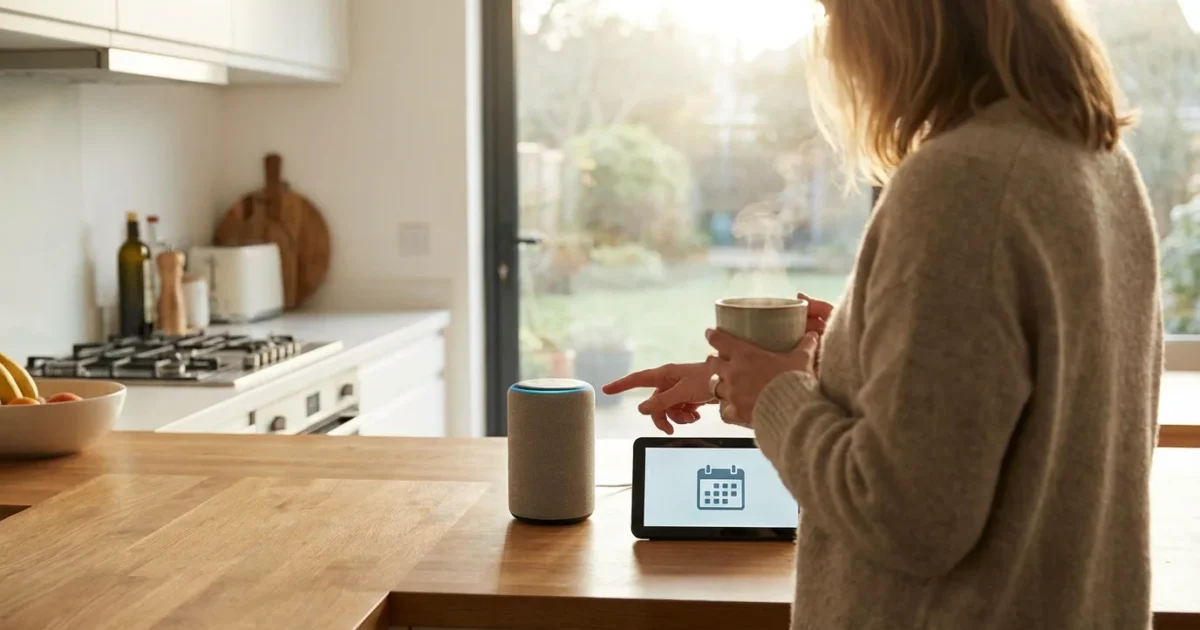
As you navigate the exciting landscape of modern retirement, technology stands ready to enhance your daily life in countless ways. Imagine a world where everyday tasks become effortless, where information is always at your fingertips, and where connecting with your world requires only a simple command. This is not a vision of the distant future; it is the reality of living with voice assistants. These powerful tools offer a gateway to a more streamlined, convenient, and hands-free lifestyle, perfectly aligning with your desire to define retirement on your own terms.
Voice assistants revolutionize how you interact with technology. They transform complex digital operations into intuitive conversations, allowing you to manage your home, gather information, and stay connected with unprecedented ease. This guide helps you unlock the full potential of these devices, empowering you to embrace a truly modern and efficient approach to daily living.

Embrace Hands-Free Living: Why Voice Assistants Matter Now
Modern retirement is about maximizing your time and minimizing unnecessary effort. Voice assistants, or smart speakers, embody this principle by bringing the power of `hands-free technology` into your home. They free you from fumbling with small buttons, navigating complex menus, or even picking up your phone for routine tasks. This accessibility makes everyday actions faster and more intuitive, allowing you to focus on experiences that truly matter to you.
Consider the practical advantages. You can set a timer for your baking while your hands are covered in flour, check the weather forecast as you get ready for a walk, or play your favorite music without ever touching a device. This convenience is not just about saving a few seconds; it profoundly impacts your daily flow, reducing friction and enhancing your overall sense of control. According to a 2023 report by Pew Research, a significant percentage of adults 50 and older now own smart speakers, demonstrating a clear trend toward embracing these innovative tools for practical benefits.
Voice assistants are more than just gadgets; they are central components of a smart, connected lifestyle. They represent an evolution in how you interact with your digital world, moving from active engagement to passive, natural conversation. You gain the freedom to delegate simple tasks, leaving your energy for your passions, hobbies, and social connections.

Getting Started: Choosing Your Smart Speaker
Selecting the right `smart speaker` forms the foundation of your voice-controlled smart home. The market offers excellent options, each with unique strengths. Your choice depends on your existing tech ecosystem, desired features, and personal preferences. Researching these options ensures you pick the best fit for your modern retirement lifestyle.
Here are the primary players and key considerations:
- Amazon Echo (Alexa): Known for its vast range of compatible smart home devices and a broad selection of “Skills” or apps. Alexa is user-friendly and integrates well with Amazon services like shopping and music.
- Google Nest (Google Assistant): Offers deep integration with Google services such as Calendar, Maps, and Search. It excels at answering complex questions and understanding context within conversations.
- Apple HomePod (Siri): Best for those deeply embedded in the Apple ecosystem, offering seamless integration with iPhones, iPads, and Apple Music. It prioritizes audio quality and strong privacy features.
When making your choice, consider these factors:
- Ecosystem Compatibility: Do you primarily use an iPhone or an Android phone? Are your existing smart home devices compatible with a specific voice assistant?
- Privacy Preferences: All voice assistants offer privacy controls, but some brands emphasize these more. Research their data handling policies.
- Audio Quality: If listening to music or podcasts is a priority, some models offer superior sound.
- Budget: Smart speakers come at various price points, from entry-level mini devices to premium models.
You can often start with a smaller, more affordable model to test the waters before investing in a larger, feature-rich device. This pragmatic approach allows you to experience the benefits firsthand before fully committing.
Setting Up Your Voice Assistant: A Simple Guide
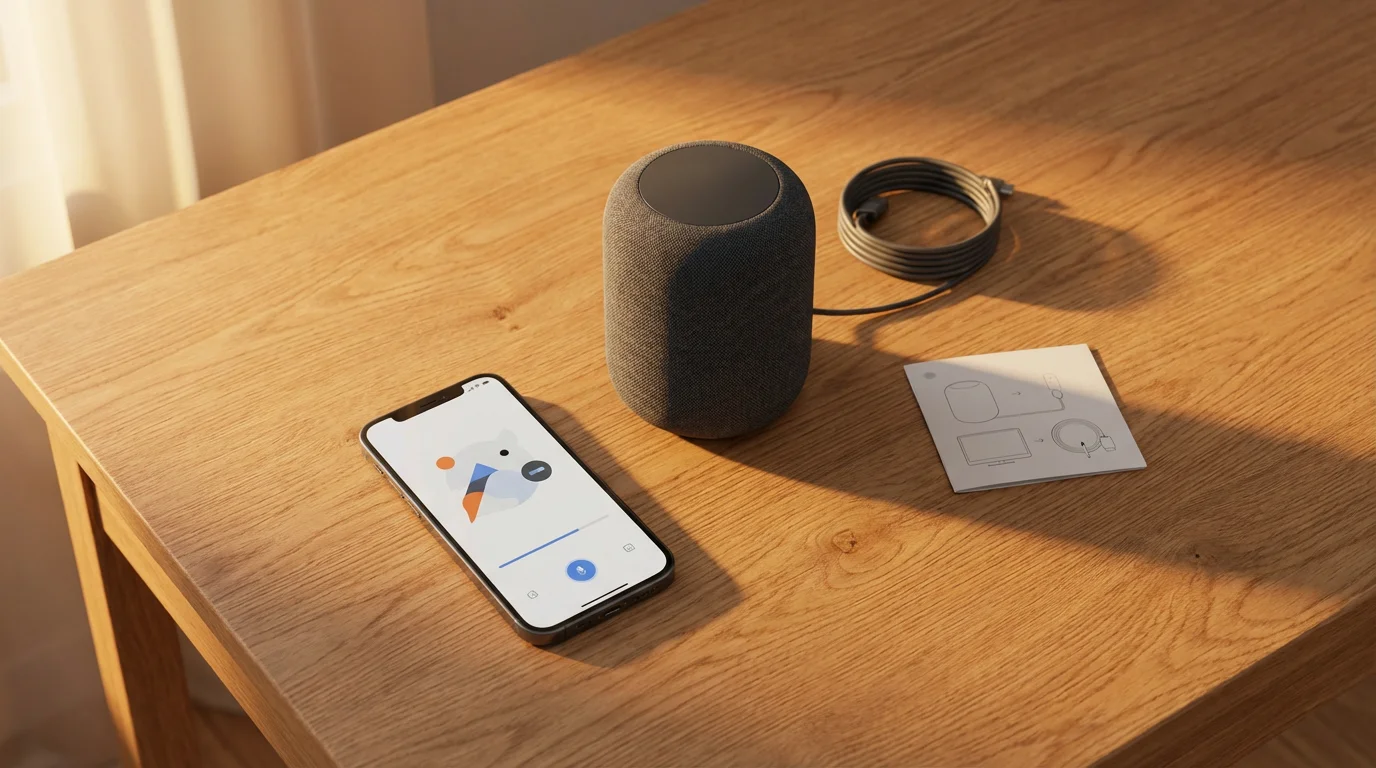
Setting up your new `voice assistant` is a straightforward process, designed for user convenience. You do not need to be a tech wizard to get started; the steps are intuitive and guided. Follow these instructions to bring your smart speaker to life and begin simplifying your daily tasks.
Here is a step-by-step guide to setting up most voice assistants:
- Unpack and Plug In: Remove your smart speaker from its packaging and plug it into a power outlet. The device will typically light up or emit a sound to indicate it is powered on.
- Download the Companion App: On your smartphone or tablet, download the corresponding app for your device (e.g., “Amazon Alexa,” “Google Home,” or “Home” for Apple HomePod). You will find these apps in your device’s app store.
- Connect to Wi-Fi: Open the app and follow the on-screen prompts to connect your smart speaker to your home Wi-Fi network. This step is crucial for the device to access the internet and respond to your commands.
- Log In or Create Account: The app will prompt you to log in with your Amazon, Google, or Apple ID. If you do not have one, the app will guide you through creating a new account.
- Personalize Settings: During setup, you can customize preferences such as your location, preferred news sources, and default music services. This makes your voice assistant more useful right from the start.
- Learn Basic Commands: The app often provides a quick tutorial on initial commands. Start by asking for the time or weather to confirm your device is working.
If you encounter any issues during setup, consider these common troubleshooting tips:
- Ensure your Wi-Fi password is correct.
- Move the smart speaker closer to your Wi-Fi router initially.
- Restart your smartphone and the smart speaker.
- Check the device’s instruction manual or the app’s help section for specific guidance.
The setup process typically takes only a few minutes, quickly bringing the power of voice control into your home.

Mastering Basic Commands: Your Daily Digital Helper
The real magic of `how to use voice assistants easily` lies in mastering a few fundamental commands. These simple phrases unlock a world of convenience, making your daily routines smoother and more efficient. Start with these essential interactions, and you will quickly discover how indispensable your voice assistant becomes.
Your voice assistant is an expert at managing information and daily tasks. Here are common commands that will simplify your everyday:
- Weather Updates: “Alexa, what’s the weather like today?” or “Hey Google, will it rain tomorrow?” You receive instant, localized forecasts.
- News Briefings: “Siri, play the news briefing” or “Alexa, give me my flash briefing.” Stay informed with quick summaries from your preferred news sources.
- Timers and Alarms: “Hey Google, set a timer for 15 minutes” or “Alexa, set an alarm for 7 AM.” Perfect for cooking, exercising, or waking up on time.
- Music Playback: “Alexa, play jazz music” or “Hey Google, play my ‘Morning Groove’ playlist.” Enjoy hands-free access to your favorite tunes or podcasts.
- Quick Calculations: “Siri, what’s 15 times 27?” or “Alexa, convert 50 miles to kilometers.” Get instant answers without reaching for your phone.
- Unit Conversions: “Hey Google, how many ounces are in a cup?” Solve cooking dilemmas or other measurement questions effortlessly.
- Defining Words: “Alexa, define ‘ephemeral’.” Expand your vocabulary or quickly understand complex terms.
These basic commands form the backbone of your interaction, turning mundane tasks into swift, verbal exchanges. You will find yourself naturally integrating these phrases into your day, enjoying a more fluid and less screen-dependent lifestyle. Practice using different phrasing; voice assistants are quite adept at understanding variations of commands.
Beyond the Basics: Advanced Functions for Enhanced Living
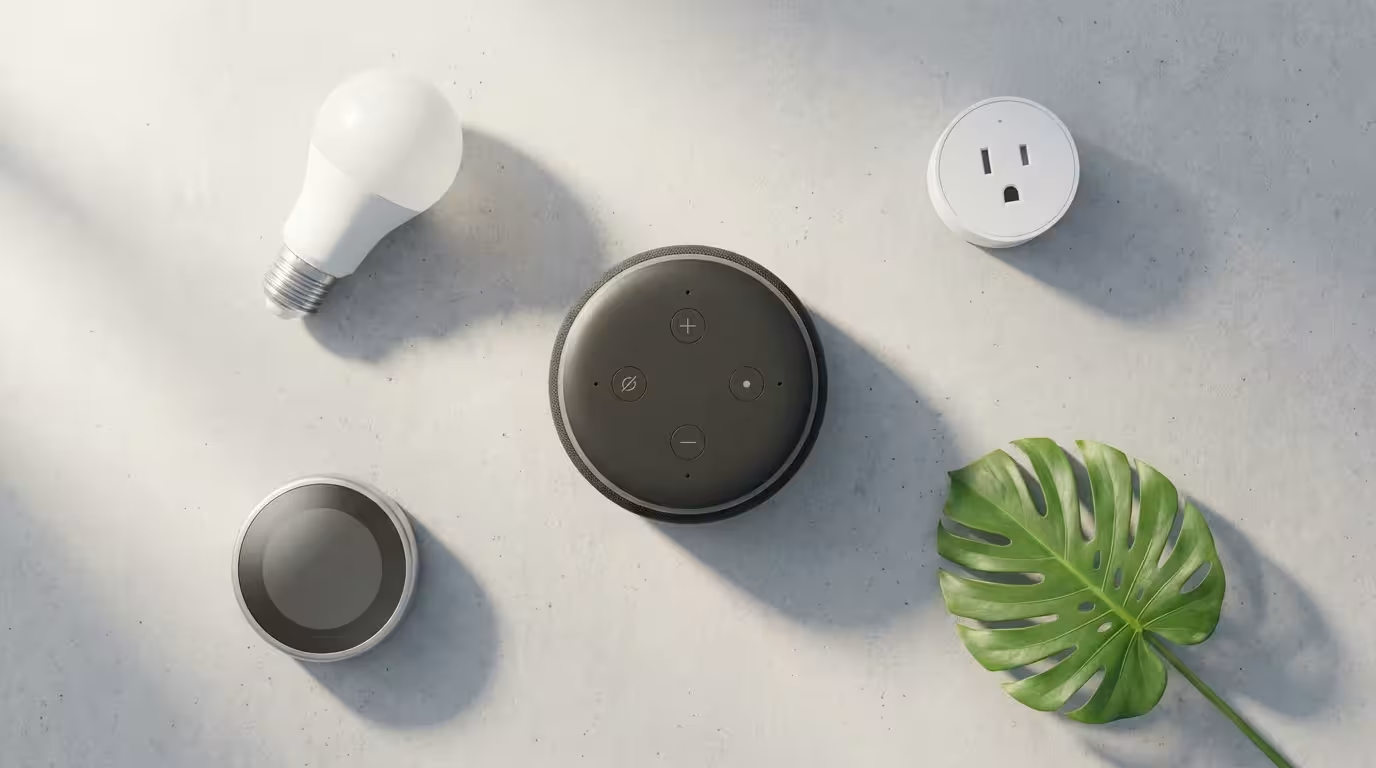
Once you master the fundamentals, you unlock the expansive capabilities of `what can voice assistants do` beyond simple queries. These advanced functions truly transform your home into a smart, responsive environment, offering a level of convenience and control that redefines modern living. Integrating these features allows you to automate routines, enhance communication, and customize your home experience.
Explore these advanced functionalities to further streamline your daily life:
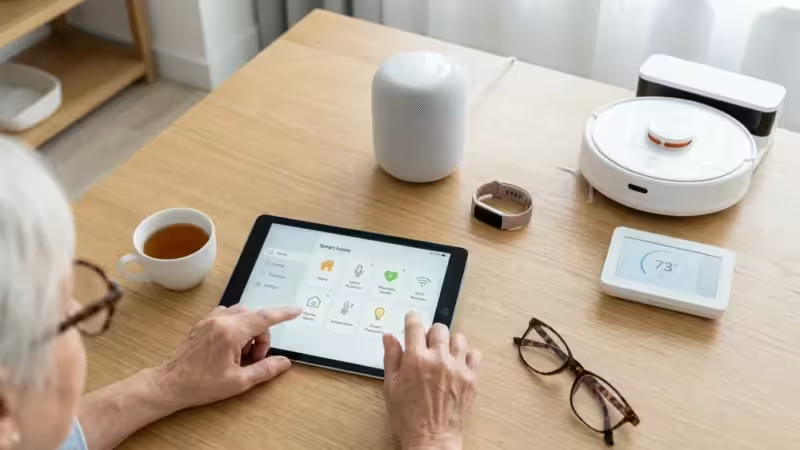
- Smart Home Integration: Connect your voice assistant to smart lights, thermostats, door locks, and security cameras. You can say, “Alexa, turn on the living room lights” or “Hey Google, set the thermostat to 72 degrees.” This creates a truly integrated and responsive home. CNET offers comprehensive guides on pairing various smart home devices with your voice assistant, providing valuable insights for seamless integration.
- Making Calls and Sending Messages: Use your smart speaker to call friends and family or send quick messages, all hands-free. “Siri, call Mom” or “Alexa, send a message to John.” This feature is particularly useful when your phone is out of reach or your hands are occupied.
- Creating Shopping Lists and Reminders: Never forget an item again. “Hey Google, add milk to my shopping list” or “Alexa, remind me to take out the trash at 8 PM.” Your lists and reminders sync across your devices, keeping you organized.
- Playing Audiobooks and Podcasts: Beyond music, your voice assistant can resume your latest audiobook or play your favorite podcast. “Alexa, resume ‘The Lincoln Highway’ on Audible” or “Hey Google, play the latest episode of ‘Stuff You Should Know’.”
- Managing Your Calendar: Ask about upcoming appointments or add new entries. “Alexa, what’s on my calendar today?” or “Hey Google, add ‘dentist appointment’ to Tuesday at 2 PM.”
- Controlling Your TV: With compatible smart TVs or streaming devices, you can change channels, adjust volume, or launch apps with voice commands. “Alexa, open Netflix on the TV” or “Hey Google, turn up the volume.”
These advanced features demonstrate the incredible versatility of voice assistants. They move beyond being simple information providers to becoming central command centers for your home and personal management, granting you more leisure and less hassle.

Personalizing Your Experience: Tips for Optimal Use
Tailoring your `voice assistants` to your specific needs and preferences elevates their utility from helpful tools to indispensable companions. Personalization ensures your device works exactly how you want it to, anticipating your needs and responding with greater accuracy and relevance. Taking the time to customize your settings significantly enhances your overall experience.
Consider these tips for personalizing your voice assistant:
- Create Custom Routines: Automate multiple actions with a single command. For example, say “Alexa, good morning,” and your device can turn on the lights, play the news, and start the coffee maker. You configure these routines within the companion app.
- Adjust Voice and Accent: Some voice assistants allow you to choose different voices or even accents. Experiment to find a voice that you find pleasant and easy to understand.
- Manage Privacy Settings: Regularly review your privacy settings within the app. You can often control how long your voice recordings are stored, whether they are used to improve the service, and what data is collected.
- Explore “Skills” or “Actions”: These are essentially apps for your voice assistant. Browse the marketplace within your companion app for skills related to games, productivity, news, or even specific recipes. Activate those that align with your interests.
- Set Up Voice Profiles: If multiple people use the device, set up individual voice profiles. This allows the assistant to recognize who is speaking and provide personalized responses, such as calendar events specific to that person.
- Feedback and Training: If your voice assistant misunderstands a command, try rephrasing it. Over time, these devices learn your speech patterns and preferences, becoming more accurate with continued interaction.
By actively personalizing your voice assistant, you transform it from a generic device into a truly bespoke helper. This proactive approach ensures it seamlessly integrates into your unique modern retirement lifestyle, making every interaction more efficient and enjoyable.
Staying Secure: Protecting Your Privacy with Voice Technology
Embracing `voice assistants` means also understanding how to protect your privacy and ensure the security of your data. While these devices offer immense convenience, smart usage requires awareness of their privacy features and how to manage them effectively. Taking proactive steps gives you peace of mind while enjoying the benefits of hands-free technology.
Implement these practices to enhance your privacy and security with voice assistants:
- Use Strong Wi-Fi Passwords: Your smart speaker connects to your home network. A strong, unique Wi-Fi password is your first line of defense against unauthorized access to your network and devices.
- Understand Data Usage: Familiarize yourself with the privacy policies of your chosen voice assistant. Companies typically detail how they collect, store, and use your voice data. This knowledge empowers you to make informed decisions about your settings.
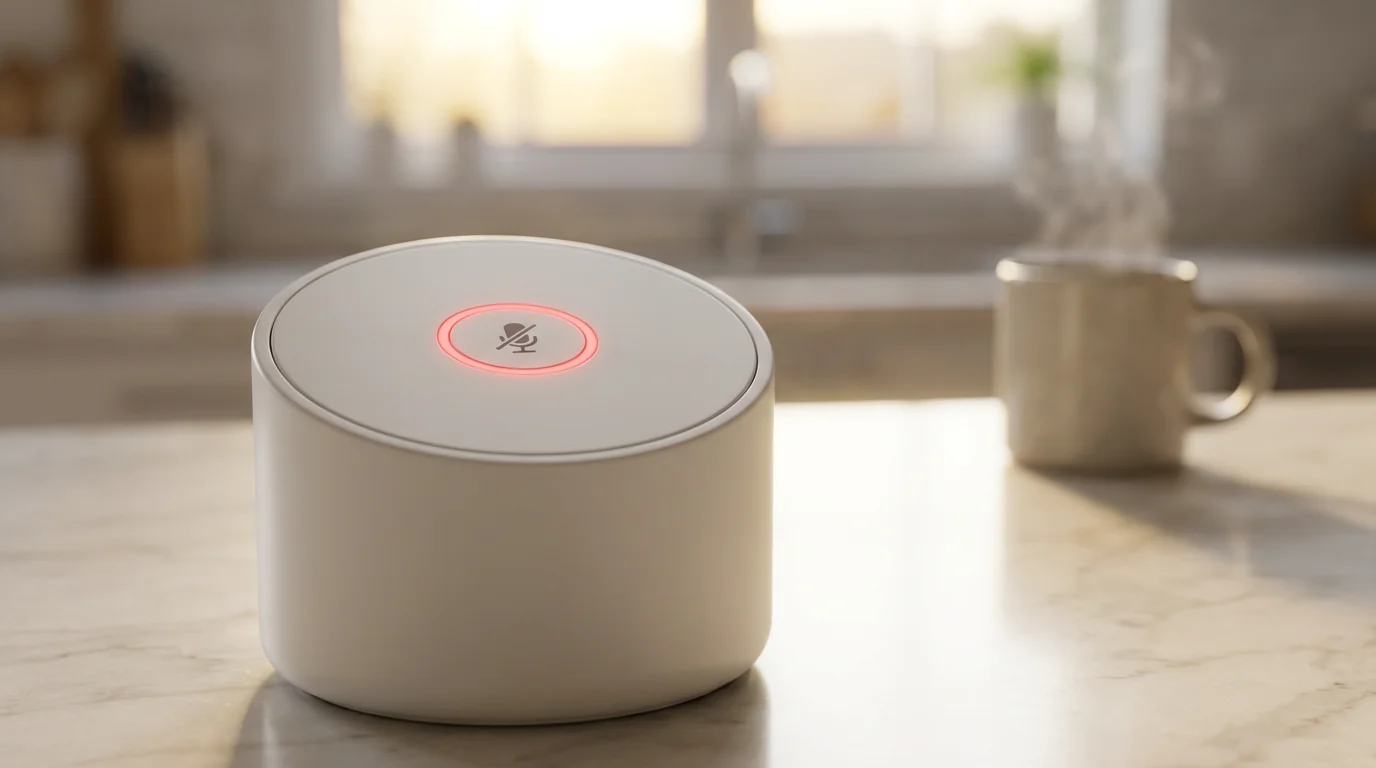
- Utilize the Mute Button: Most smart speakers include a physical mute button that electronically disconnects the microphone. Use this when you desire complete privacy, ensuring the device cannot listen for its wake word.
- Regularly Delete Voice History: Within the companion app, you can usually review and delete your voice recording history. Doing this periodically can help manage your data footprint.
- Review Permissions: When you enable new skills or connect to third-party services, review the permissions they request. Grant only those permissions you are comfortable with.
- Secure Your Account: Enable two-factor authentication on your Amazon, Google, or Apple account. This adds an extra layer of security, making it harder for unauthorized individuals to access your device settings or personal data.
According to a 2022 survey highlighted by AARP, concerns about privacy are a significant factor for many adults when adopting new technologies. By actively managing your settings and understanding how your device operates, you maintain control over your personal information. You empower yourself to enjoy the convenience of voice technology responsibly and securely, fitting perfectly with a forward-thinking approach to retirement.

The Future is Now: Voice Assistants and Your Modern Retirement
Voice assistants are more than a trend; they represent a fundamental shift in how you interact with technology, making your digital life more intuitive, efficient, and deeply integrated with your physical world. For the modern retiree, these devices are not just about convenience; they are about empowerment. They provide a means to maintain independence, foster connection, and simplify the complexities of daily living, allowing you to truly design your ideal lifestyle.
The capabilities of voice assistants continue to expand rapidly, with ongoing advancements in artificial intelligence and natural language processing. Expect even more seamless integration with home devices, more sophisticated conversational abilities, and personalized services tailored to your evolving needs. Embracing this technology today positions you at the forefront of contemporary living, ready to adapt and thrive in an increasingly connected world.
Remember the wisdom of continuous growth and learning:
“Live as if you were to die tomorrow. Learn as if you were to live forever.” — Mahatma Gandhi
Your modern retirement is an ongoing journey of discovery and optimization. Voice assistants are powerful allies on this journey, ready to assist you in making every day more fulfilling and less complicated. They stand as a testament to the fact that innovation continually provides new tools for living a richer, more engaged life, irrespective of age. Embrace them, customize them, and let them empower you to live your retirement on your own terms.
Frequently Asked Questions
Are voice assistants always listening?
Voice assistants are always listening for their specific “wake word” (like “Alexa” or “Hey Google”). They do not record or send audio to the cloud until they detect this wake word. You can use the physical mute button on your device for complete privacy, which electronically disconnects the microphone.
Can I use a voice assistant if I have an accent or speech impediment?
Modern voice assistants are highly sophisticated and designed to understand a wide range of accents and speech patterns. While initial interactions might require some patience, the technology continually learns and improves its recognition of your specific voice over time. Most users find them very adaptable.
What if my voice assistant misunderstands me?
If your voice assistant misunderstands a command, try rephrasing your request. Speak clearly and at a natural pace. You can also check the activity log in your companion app to see what the assistant heard, which helps you adjust your phrasing for better results. The more you interact, the better it becomes at understanding you.
Do I need a special internet plan for a voice assistant?
No, you do not need a special internet plan. A standard home Wi-Fi connection with a reasonable speed is sufficient for voice assistants to function effectively. They do not consume a large amount of bandwidth for typical commands, though streaming music or video might use more data.
Are voice assistants expensive to maintain?
Generally, voice assistants have a one-time purchase cost for the device itself. There are no ongoing subscription fees for basic functionality. You might pay for premium music services, audiobooks, or specific “Skills” if you choose to subscribe to those, but the core functionality remains free.
Disclaimer: This article is for informational purposes. Technology, apps, and services mentioned may change over time. We encourage readers to research current options and consider their individual needs when making decisions.








Leave a Reply