
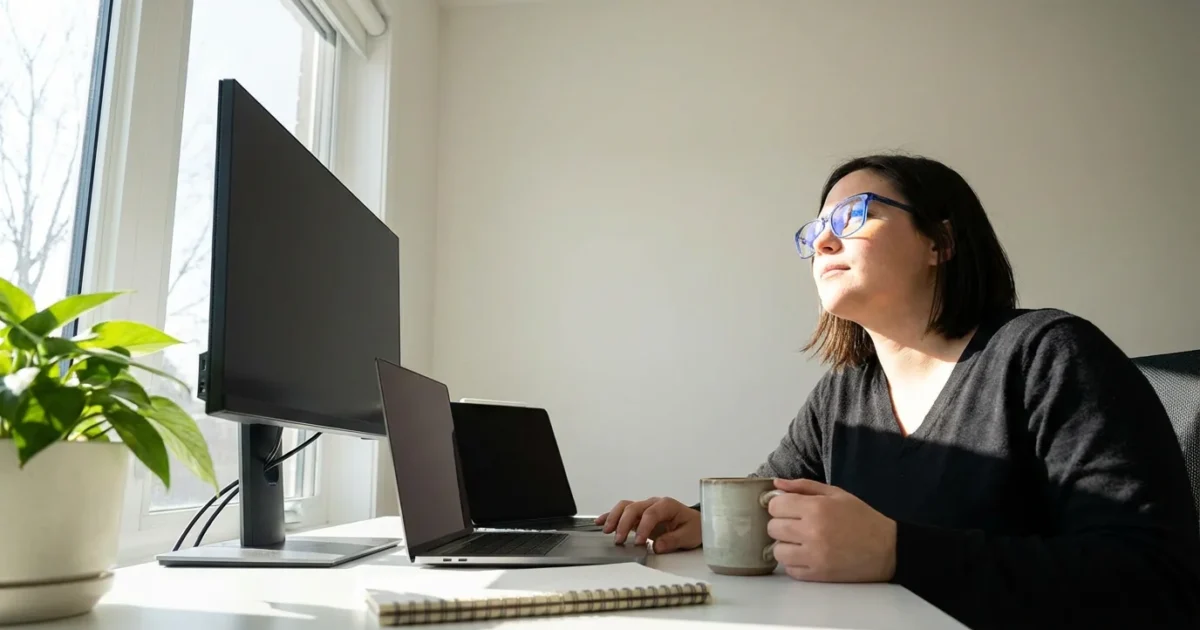
In today’s connected world, screens are an indispensable part of daily life. From video calls with grandchildren to managing investments, or diving into a new hobby online, your devices empower you to live a vibrant, engaged retirement. However, increased screen time often brings an unwelcome guest: digital eye strain. This common condition, also known as computer vision syndrome, causes discomfort for millions. The good news is you possess the power to minimize digital eye strain and maintain excellent eye health without sacrificing your digital lifestyle.

Understanding Digital Eye Strain
Digital eye strain stems from the way we interact with screens. Focusing on pixels at a fixed distance for extended periods, coupled with reduced blink rates, places significant demands on your eyes. Unlike reading a physical book, digital screens present unique challenges, including glare, contrast issues, and blue light exposure. Recognize the symptoms of digital eye strain so you can address them proactively.
While you focus on physical comfort, remember that staying safe online is just as important for maintaining a stress-free digital life.
Common signs of digital eye strain include:
- Blurred vision
- Dry eyes
- Headaches
- Neck and shoulder pain
- Difficulty refocusing
- Light sensitivity
These symptoms often intensify as your screen time increases throughout the day. Understanding the underlying causes empowers you to implement effective preventative strategies.
Optimizing Your Workspace Ergonomics
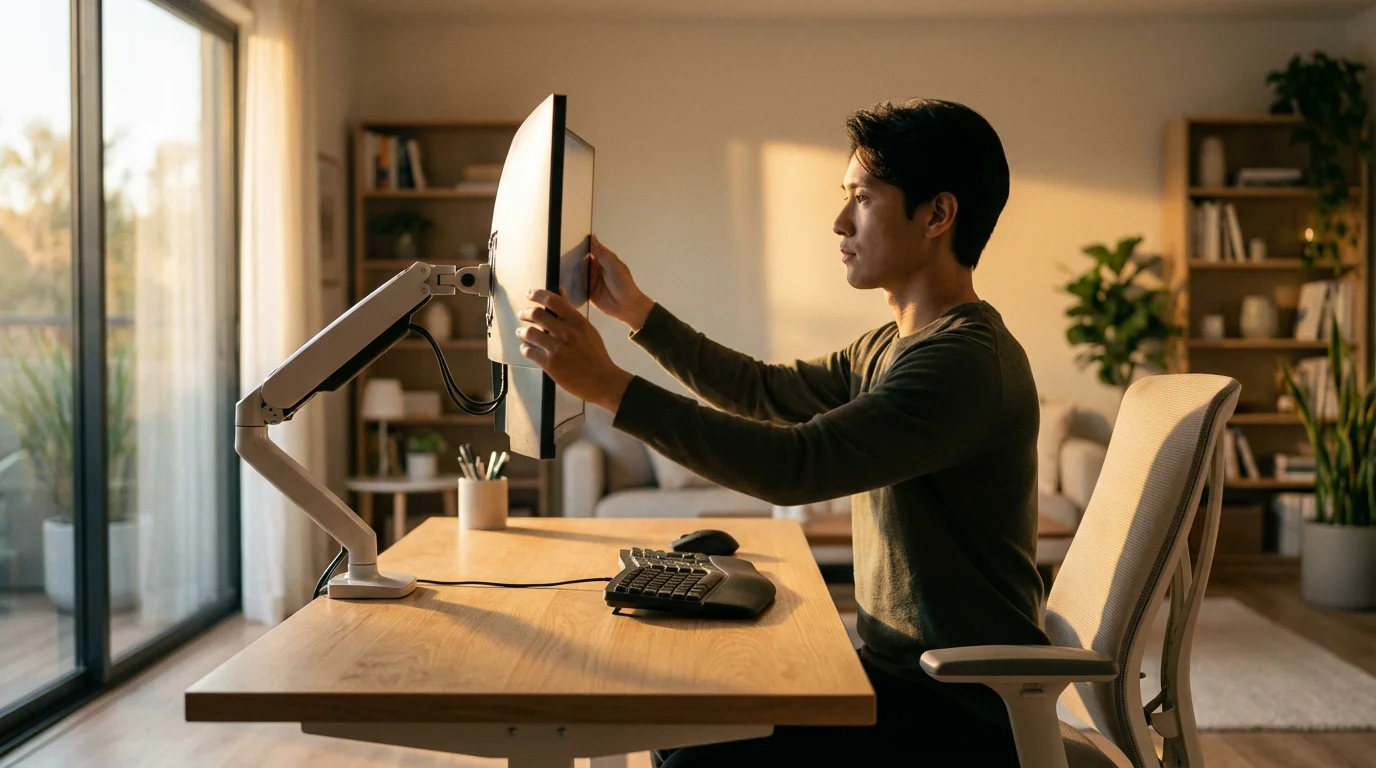
Your physical setup significantly impacts eye comfort. Creating an ergonomic workspace reduces the strain on your eyes, neck, and shoulders, ensuring your screen time remains enjoyable. Thoughtful adjustments to your environment make a substantial difference in how you feel after hours in front of a monitor or device.
You can also improve safety in your office area by incorporating fall prevention technology to keep your floor space clear of cable hazards.
Building a supportive home office setup can also help you maintain independence and comfort as you age in place.
Consider these key ergonomic adjustments:
- Monitor Position: Place your monitor arm’s length away, with the top of the screen at or slightly below eye level. This prevents you from tilting your head up or down excessively.
- Chair Support: Use a supportive chair that encourages good posture. Your feet should rest flat on the floor, and your back should be comfortably supported.
- Lighting Control: Minimize glare from windows and overhead lights. Position your screen to avoid direct light sources, or use anti-glare filters.
- Adjustable Desk: A standing desk allows you to alternate between sitting and standing, promoting movement and varying your posture throughout the day.
Harvard Health emphasizes the importance of proper ergonomics for preventing various musculoskeletal issues, including those related to extended computer use. A well-designed workspace supports your overall well-being, enhancing both comfort and productivity.

The 20-20-20 Rule and Active Breaks
One of the most effective strategies to prevent eye strain involves taking regular breaks. The 20-20-20 rule is a simple yet powerful technique recommended by eye care professionals worldwide. It trains your eyes to refocus and relax, countering the effects of prolonged near-focus.
Consider using smartwatches for seniors to set gentle vibration alerts that remind you to move and rest your eyes.
Here is how to implement the 20-20-20 rule:
- Every 20 minutes,
- Look at something at least 20 feet away,
- For at least 20 seconds.
Set a timer on your phone or computer to remind yourself. This short break allows your eye muscles to relax and encourages more natural blinking. Beyond the 20-20-20 rule, integrate more extensive breaks into your daily routine. Step away from your screen every hour for a few minutes. Stretch, walk around, or grab a glass of water. These micro-breaks not only help your eyes but also improve circulation and reduce overall fatigue. Embrace smart scheduling to build these breaks into your workday or leisure time.
“The future belongs to those who believe in the beauty of their dreams.” — Eleanor Roosevelt
Your retirement dreams, whether travel, learning, or connecting, often involve screens. Protecting your eyes ensures you can pursue these dreams comfortably.
Fine-Tuning Your Devices for Comfort
Beyond your physical setup, optimizing your device settings plays a crucial role in minimizing digital eye strain. Modern operating systems and applications offer a variety of features designed to enhance visual comfort. Take a few moments to explore these options on your smartphone, tablet, and computer.
Protecting your digital assets is as vital as protecting your vision; always be vigilant about avoiding online scams while browsing.
Once your screen settings are optimized, you can focus on connecting with social media to stay in touch with friends and community groups.
Consider these device adjustments:
- Text Size and Contrast: Increase the text size on your screens to reduce squinting. Adjust contrast to a level that feels comfortable for your eyes. Most devices allow you to set text size and display scaling in their accessibility settings.
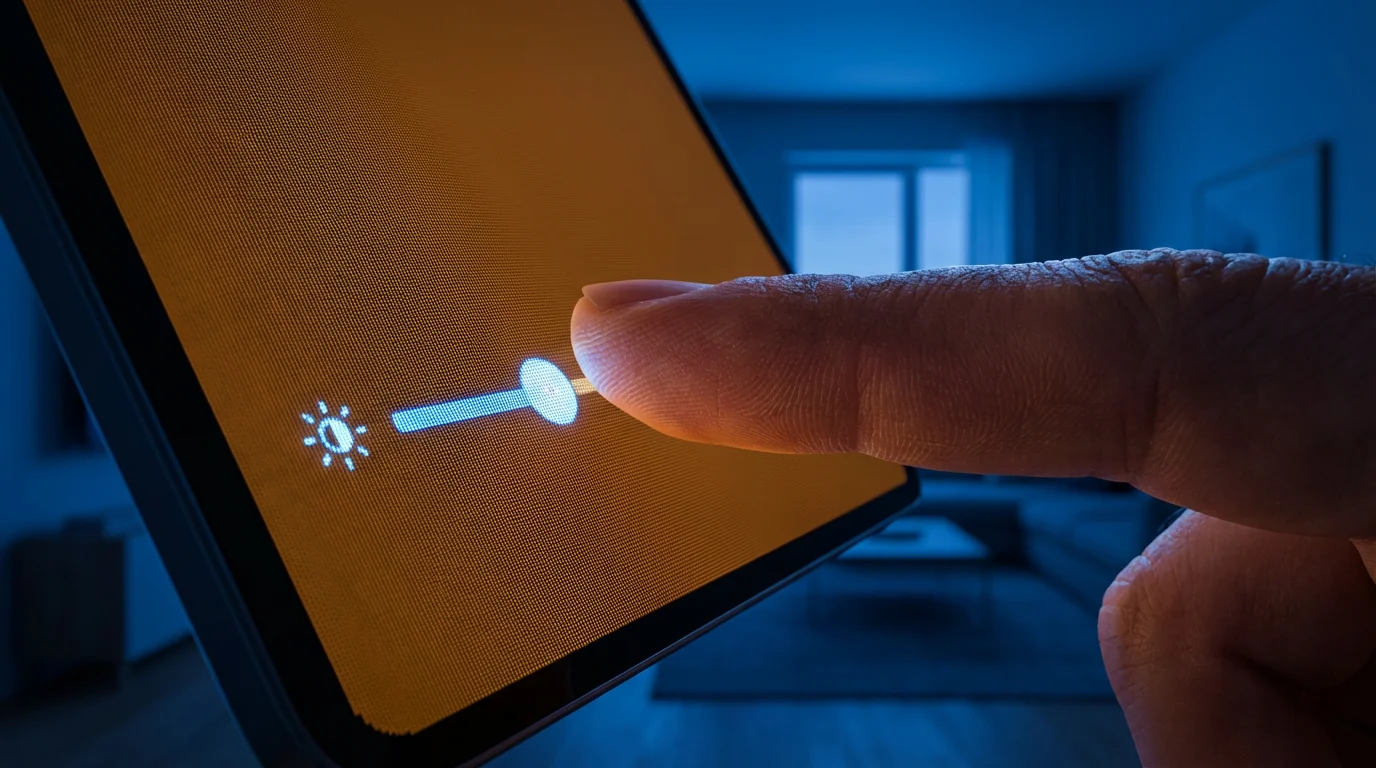
- Brightness: Match your screen’s brightness to the ambient light in your room. A screen that is too bright or too dim can cause strain. Many devices have automatic brightness adjustments or quick settings for manual control.
- Color Temperature: Use warmer color temperatures, especially in the evening. Blue light emitted by screens can disrupt sleep patterns and contribute to eye strain. Many devices offer “Night Shift” (iOS/macOS), “Night Light” (Windows), or “F.lux” (third-party app) to reduce blue light.
- Anti-Glare Filters: Apply physical anti-glare filters to your monitors. These filters significantly reduce reflections that cause discomfort. Screen protectors for tablets and smartphones also come with anti-glare properties.
- Refresh Rate: If your monitor supports it, set the refresh rate to the highest comfortable level. A higher refresh rate reduces screen flicker, which can be imperceptible but still contributes to eye fatigue.
These adjustments provide a more personalized and comfortable viewing experience, significantly reducing the likelihood of developing digital eye strain.

The Role of Eyewear and Eye Care
Your vision changes as you age, making regular eye exams more critical than ever. An updated prescription is a primary defense against digital eye strain. Consult your eye care professional regularly to ensure your glasses or contact lenses are optimized for your current needs, especially if you spend considerable time in front of screens.
If your vision requires more significant support, you may want to investigate assistive technology for visual impairment to help you stay independent and active.
Discuss these options with your optometrist:
- Computer Glasses: These specialized glasses feature an optimized focal distance for computer screens, reducing the need to constantly adjust your focus. They differ from reading glasses or progressive lenses, which might not be ideal for intermediate screen distances.
- Blue Light Filtering Lenses: Lenses with a blue light filter can reduce exposure to the high-energy visible light emitted by screens. While research on the long-term benefits is ongoing, many users report reduced eye fatigue.
- Anti-Reflective Coatings: An anti-reflective (AR) coating minimizes glare from light sources, improving clarity and reducing strain. Most modern eyeglass lenses offer this as an option.
Don’t underestimate the power of professional guidance. Your eye doctor can provide tailored recommendations based on your unique vision and lifestyle.
Smart Apps and Tech Solutions
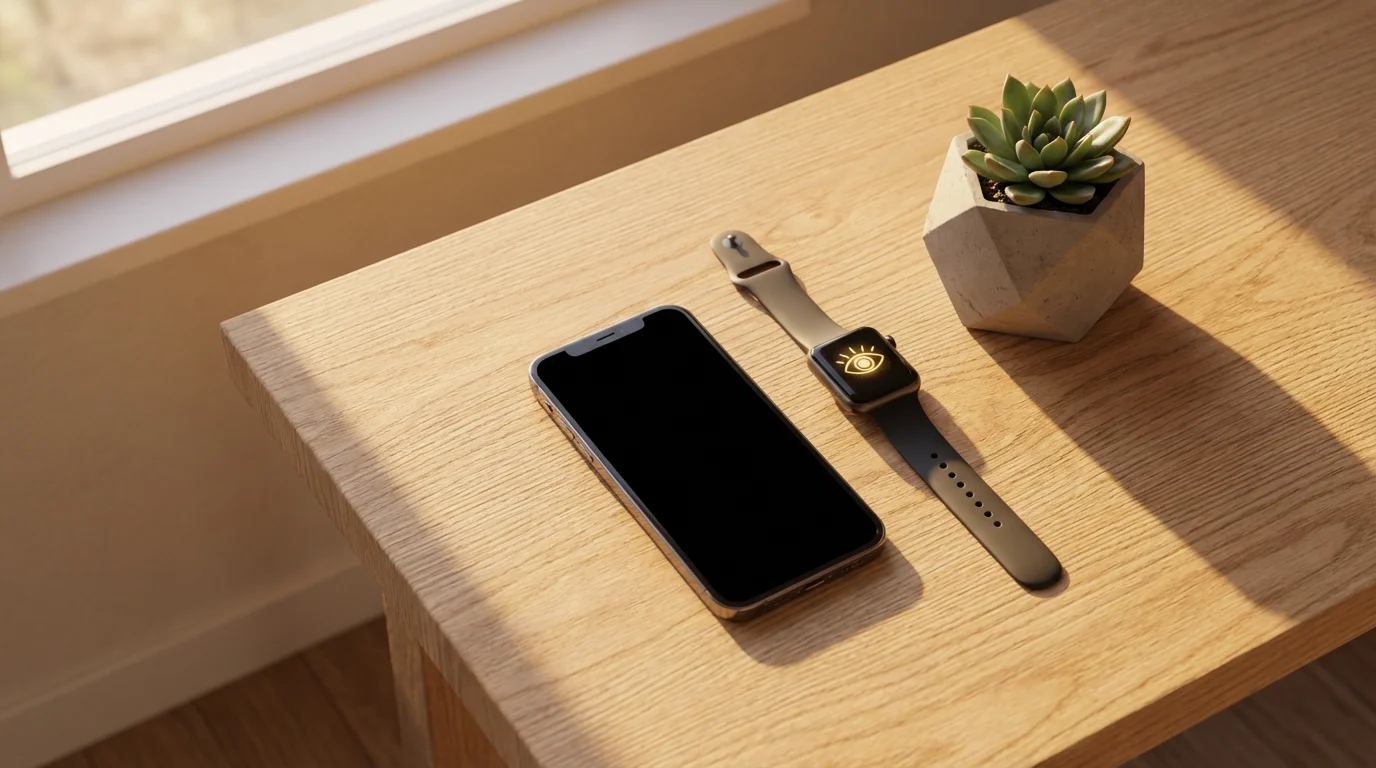
Technology itself offers powerful tools to combat digital eye strain. A variety of apps and software solutions are available to help manage your screen time, adjust display settings, and even remind you to take breaks. Embracing these tech-driven aids can automate many of the best practices for eye health.
Practicing regular digital decluttering can minimize screen time by making your essential tasks faster and easier to complete.
Helpful apps and software include:
- F.lux (Windows, macOS, Linux, Android): Automatically adjusts your computer’s display color temperature to adapt to the time of day, reducing blue light in the evenings.
- Eye Care 20 20 20 (iOS, Android): A simple app that reminds you to follow the 20-20-20 rule with customizable timers and notifications.
- Time Out (macOS): Offers flexible break reminders, including micro-breaks and longer rest periods, helping you step away from your computer regularly.
- Iris (Windows, macOS, Linux): Provides advanced screen management features, including blue light reduction, brightness control, and flicker-free settings.
- Windows “Night Light” / macOS “Night Shift”: Built-in operating system features that reduce blue light, available directly in display settings.
- Adaptive Brightness (Android/iOS): Many smartphones and tablets automatically adjust screen brightness based on ambient light, reducing manual effort.
Leveraging these tools integrates eye protection seamlessly into your digital routine. Check CNET or The Verge for reviews on the latest eye health software and apps.
Lifestyle Habits for Long-Term Eye Health
Beyond screen-specific adjustments, your overall lifestyle significantly influences your eye health. A holistic approach to wellness contributes to more comfortable screen time and better vision for years to come. These habits are foundational for maintaining robust eye health.
Beyond eye care, staying on top of your wellness routine can be simplified with tools for managing medications and tracking overall health.
Maintaining your eye health is easier when you use digital health records to track your prescriptions and upcoming eye exams.
Integrate these lifestyle habits into your routine:
- Stay Hydrated: Dehydration can contribute to dry eyes. Drink plenty of water throughout the day to keep your body, and your eyes, well-hydrated.
- Nutrient-Rich Diet: Consume foods rich in omega-3 fatty acids, lutein, zinc, and vitamins C and E. These nutrients support eye health and can be found in leafy greens, fatty fish, nuts, and citrus fruits.
- Adequate Sleep: Your eyes rest and repair themselves during sleep. Aim for 7-9 hours of quality sleep each night to prevent fatigue and irritation.
- Regular Exercise: Physical activity improves circulation, benefiting your entire body, including your eyes. Good blood flow is essential for delivering nutrients to eye tissues.
- Conscious Blinking: When focusing intently on a screen, people tend to blink less frequently. Make a conscious effort to blink fully and regularly to keep your eyes moist. Using lubricating eye drops, if recommended by your doctor, can also help alleviate dryness.
By prioritizing these fundamental health practices, you empower your eyes to better withstand the demands of digital screens and maintain optimal function.
When to Consult an Eye Care Professional
While many strategies effectively prevent and relieve digital eye strain, some symptoms warrant professional medical attention. Do not hesitate to contact your eye doctor if you experience persistent or worsening eye discomfort. Early intervention can prevent minor issues from becoming more significant problems.
Seek professional advice if you experience:
- Persistent blurry vision that does not improve after breaks.
- Severe eye pain, redness, or discharge.
- Changes in your vision, such as new floaters or flashes of light.
- Headaches that do not subside with rest or over-the-counter pain relievers.
- Difficulty driving at night or decreased peripheral vision.
- Symptoms of digital eye strain that worsen despite implementing preventative measures.
Your eye care professional possesses the expertise to diagnose underlying conditions and recommend appropriate treatments, ensuring your long-term eye health and comfort. Regular check-ups remain your best defense against many eye conditions.
Frequently Asked Questions
Is digital eye strain a permanent condition?
No, digital eye strain is generally a temporary condition. Symptoms typically resolve once you rest your eyes or reduce your screen time. However, if left unaddressed, the discomfort can become chronic and impact your daily life. Implementing preventative measures consistently is key to managing and avoiding it.
Can blue light filtering glasses completely prevent digital eye strain?
While blue light filtering glasses may help reduce some symptoms for certain individuals, they do not completely prevent digital eye strain. Eye strain is a complex issue influenced by many factors, including screen brightness, viewing distance, blink rate, and overall eye health. They can be one tool in a comprehensive prevention strategy.
How often should I get my eyes checked if I use screens a lot?
Adults aged 55 and over should aim for a comprehensive eye exam every one to two years, or more frequently if advised by your eye care professional due to existing conditions or significant screen use. Regular check-ups ensure your prescription remains current and can detect other eye health issues early.
Are e-readers better for my eyes than tablets?
E-readers with e-ink technology, like a Kindle Paperwhite, are generally easier on the eyes than tablets or smartphones. Their screens mimic printed paper and do not emit backlight, reducing glare and blue light exposure. For prolonged reading, many find e-readers significantly more comfortable.
Does using dark mode on my devices help with eye strain?
For some people, dark mode, which displays light text on a dark background, can reduce eye strain, especially in low-light conditions. It reduces overall screen brightness and contrast, which can be less fatiguing for certain individuals. Experiment to see if it works for your personal comfort.
Disclaimer: This article is for informational purposes. Technology, apps, and services mentioned may change over time. We encourage readers to research current options and consider their individual needs when making decisions.




Leave a Reply